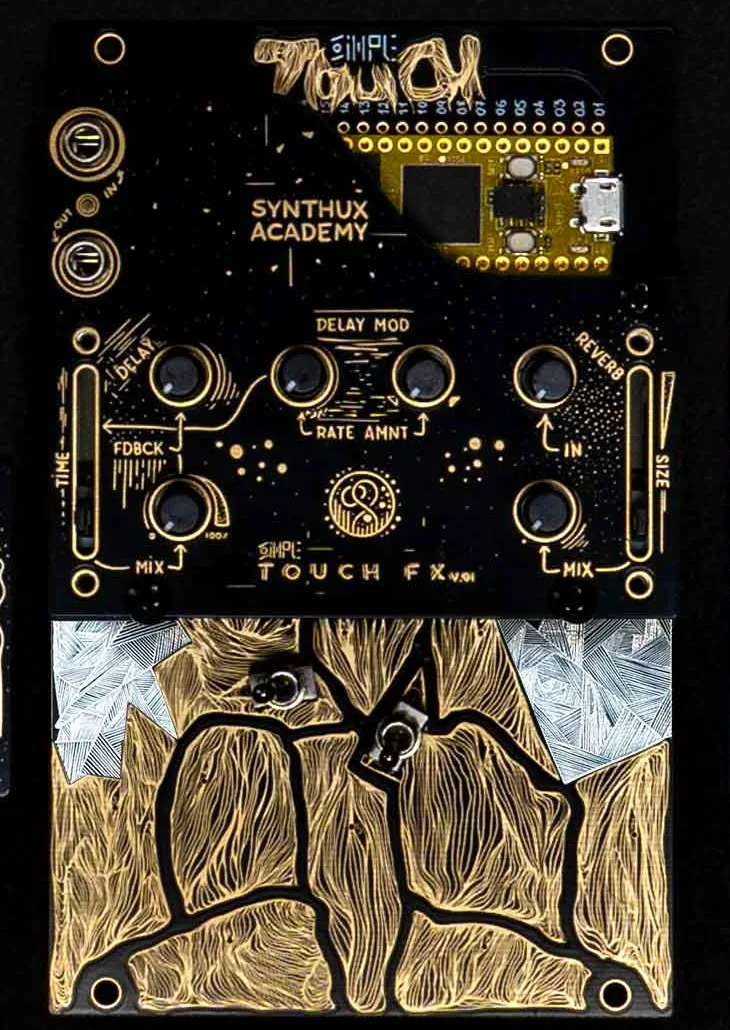
The instrument is the Daisy Seed plus a fixed control layout, so firmware simply replaces the application on the Seed and each firmware chooses what the pads (P00 to P11), knobs and faders (S30 to S37) and switches do. The official firmwares can be flashed from Synthux's web uploader, which pulls the GitHub releases and uses WebUSB in a Chromium-based browser. The Daisy Web Programmer (flash.daisy.audio) or dfu-util with a .bin file also work. Put the Seed into DFU mode by holding BOOT and tapping RESET. Larger firmwares such as TouchPlaited run from QSPI flash and need the Daisy bootloader installed on the Seed first. Synthux's store page warns against connecting Eurorack-level signals to the inputs without attenuation. Other Daisy Seed firmware builds for the same pin layout can run here, but only those that name the Touch are listed in this catalog.