open-versio
Tool for Versio (Noise Engineering)
Noise Engineering's open-source framework for writing custom Versio firmware, with a hardware access layer, an example firmware and Node.js build, flash and debug scripts.
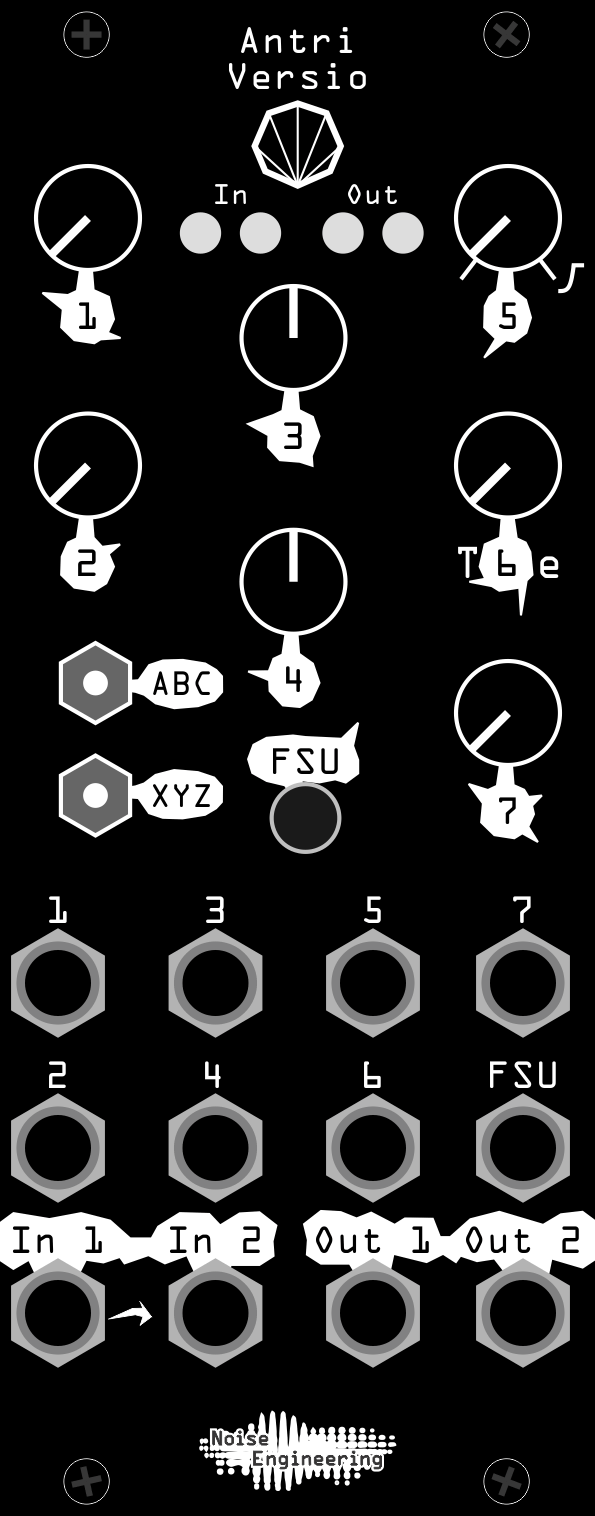
- Distribution
- Build from source yourself
- License notes
- Per LICENSE.md, copyright 2019-2026 Noise Engineering.
- Source
- github.com https://github.com/noiseeng/open-versio
Quality
Foundational
Other projects build on it, or it is the maker's own open firmware or SDK.
Counts as first-party: an official project or one by Noise Engineering.
- MaturityLow
0.0 years · 0 releases · 1 commit
- PopularityLow
★ 0 · 0 forks
- VitalityModerate
1 commit last year · last activity 2026-11-25
- Issue healthModerate
0 closed / 0 open
- InfluenceLow
0 catalog entries build on this
- CommunityLow
1 contributor · bus factor 1
Data from GitHub, 2026-11-23. How ratings work.
- official
- sdk
- framework
- cpp
- daisy
Description
Published by Noise Engineering, the maker of Versio. It is a narrow extract of the company's internal embedded library, lacerti, and holds a bare-metal hardware layer for the module, one trivial example firmware and scripts that download the ARM GCC toolchain, build, flash over USB DFU and stream a debug log over USB without a probe. It contains none of Noise Engineering's DSP code, and the full lacerti library stays closed. The repository also carries instruction files for coding agents. Noise Engineering accepts contributions only as GitHub issues, and its official firmware library, listed beside this entry, is closed source.
Install notes
Needs Node 24 or newer. Fork and clone the repository, run npm i and npm run setup to fetch the toolchain, then npm run build, and npm run flash with the module connected over USB. If the module is not found, hold button 1, tap button 2 and release button 1 on the Daisy Seed to enter DFU mode, and install the WinUSB driver with Zadig on Windows. The README says official firmware can be put back at any time from Noise Engineering's firmware page. Soldering a JTAG header and changing option bytes are optional and void the warranty.
Version history
| Version | Date | Notes |
|---|---|---|
| main @ ccd51f5 | 2026-11-25 | No tagged releases; this is the latest commit. |