FM1Lab
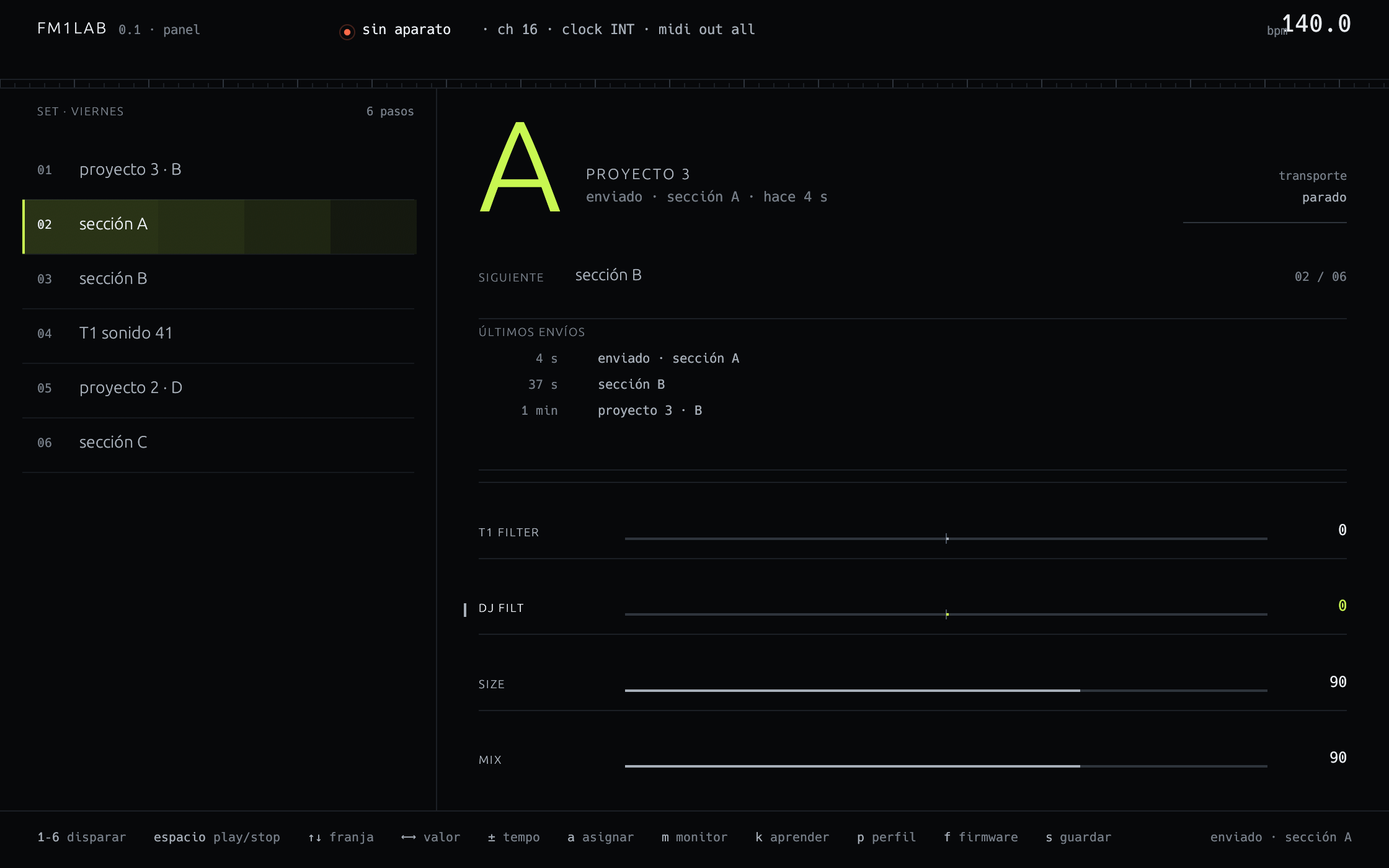
Desktop performance panel and lab for the FM-1 that detects the running firmware, loads a matching profile, and adds assignable strips, a CC and NRPN monitor, setlists and a firmware library with OTA install.
by Hugo Moraga
- Distribution
- Prebuilt image you flash yourself
- License notes
- The LICENSE file is the MIT text, copyright 2026 Hugo Moraga. The firmware packages in the library belong to their authors and keep their licences; none is in the repository.
- Source
- github.com https://github.com/quicio/fm1lab
- performance
- flasher
- editor
- midi
- utility
Description
Written in Rust, with a terminal-style panel and an fm1ctl command line. It detects the firmware on the unit and picks a profile that maps that firmware's parameters to strips, with MIDI transport and clock, setlists of projects and sections, and a learn mode for CC and NRPN. The firmware library installs .fwsc packages over the updater: it checks the SHA-256, backs up the app's configuration and the downloaded packages, pauses the other MIDI traffic and asks for confirmation before writing. It chooses a route between firmware families and warns that changing between forks can leave the saved projects and presets unusable. The README is in Spanish, and the library lists packages from other authors by hash and link. The README gives a Homebrew cask for macOS, and the releases hold macOS builds only.
Install notes
On macOS run brew install --cask quicio/tap/fm1lab, after brew trust quicio/tap if Homebrew refuses the tap, or unpack a release tarball. The app is not notarised, so the first launch may need right-click, Open. Other systems build from source with cargo. The installer writes through the updater's firmware path; the README points to M-UPGRADE for stock firmware and to M-VAVE's Python installer as the rescue.
Version history
| Version | Date |
|---|---|
| 0.1.3 | 2026-11-14 |
| 0.1.2 | 2026-11-14 |
| 0.1.0 | 2026-11-13 |