FM1 Recovery for Flipper Zero (Mac and Windows guides)
Documented redistribution of merthsoft's Flipper Zero app that puts a stuck FM-1 into ROM recovery, adding a prebuilt Momentum build, a macOS restore guide that uses M-Flasher and illustrated step-by-step guides.
- Distribution
- Prebuilt image you flash yourself
- License notes
- The recovery code comes from merthsoft/flipper-fm1-recovery under the Unlicense, and the added guides and graphics use the same licence. THIRD-PARTY.md lists the terms of jl-uboot-tool, FM-1 Transporter, the Flipper and Momentum SDKs and M-Flasher, which are not bundled.
- Source
- github.com https://github.com/highdrone/fm1-flipper-recovery
- flasher
- loader
- utility
Description
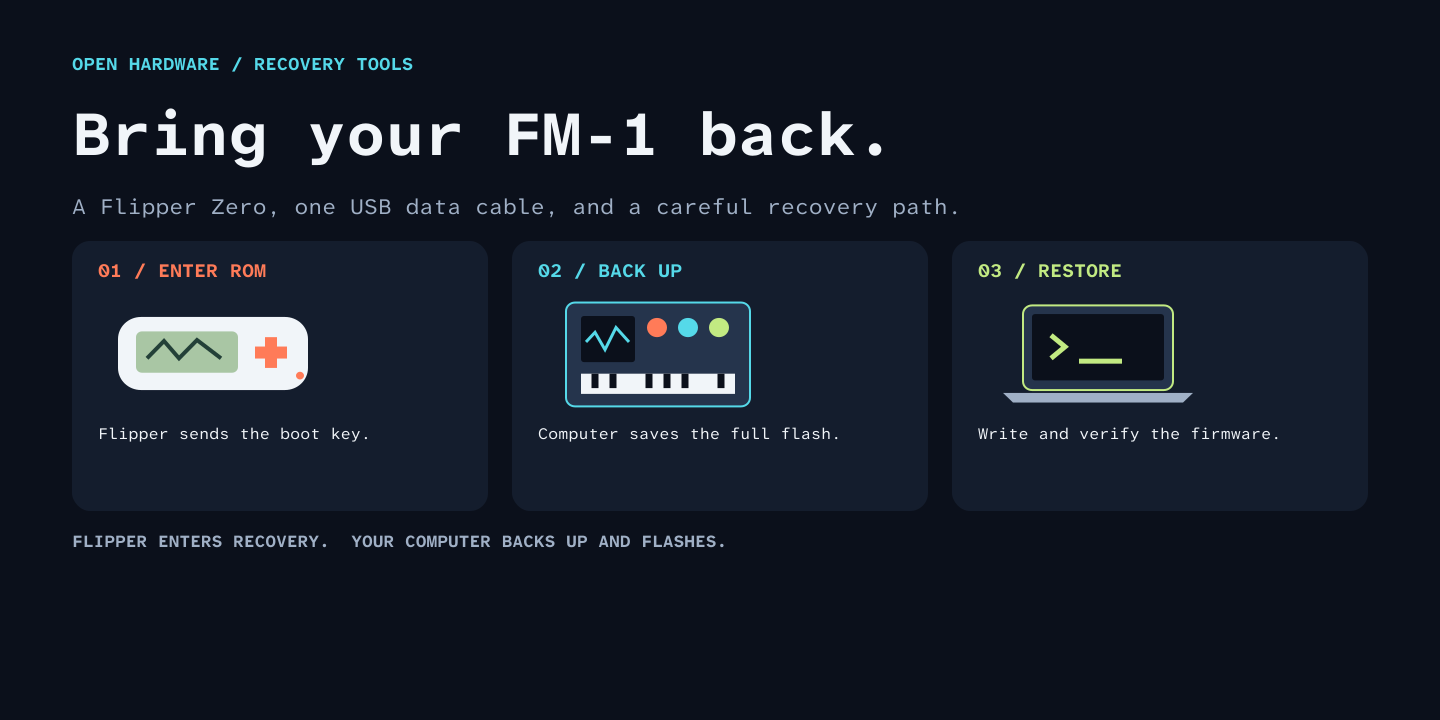
The Flipper app sends the boot key so the FM-1 appears as a WL82 UBOOT device, and a computer then backs up the flash and installs a package; the app itself does not write firmware. The boot-key code, Windows scripts, parser and tests are merthsoft's work at revision df88b86, kept under the Unlicense, and the README says so. This repository adds a guide for backing up and restoring only the application area from a Mac with M-Flasher, a Windows guide, SVG illustrations, host tests and a CI build. The release attaches a build for Momentum mntm-012 (target F7, API 87.1), and the README warns that an app built for one API major may not load on another. The README reports one hardware recovery with this app followed by loading SLOOP 2.8.
Install notes
Copy fm1_boot_key.fap from the release, or build it with ufbt against the SDK matching your Flipper firmware, to /ext/apps/Tools on the SD card. Follow docs/MACOS.md or docs/WINDOWS.md for the computer side, and keep your own backups private. You supply the firmware package to restore.
Version history
| Version | Date | Notes |
|---|---|---|
| 0.8.1 | 2026-10-23 | Illustrated guides and a build for Momentum API 87.1. |