FM1 Flasher for iOS
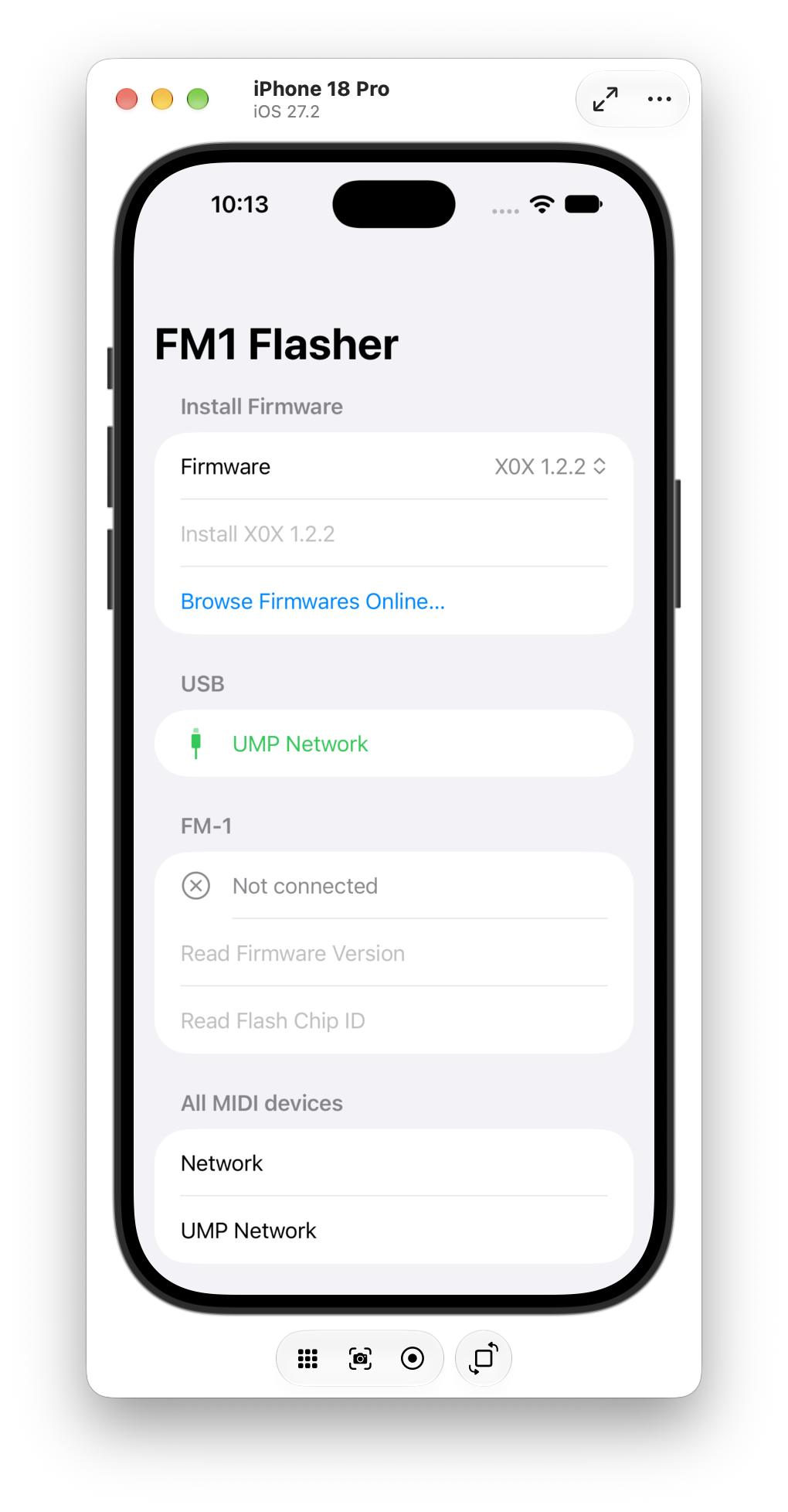
Native iPhone and iPad app that installs community FM-1 firmware over USB MIDI SysEx, from a short list of bundled packages or from The Firmware Hub's catalogue, with no computer or Web MIDI browser.
- Distribution
- Build from source yourself
- Requires stock
- A firmware with a compatible USB updater, such as M-VAVE's V15 or a Felucca-family build
- License notes
- The LICENSE file is the MIT text, copyright 2026 Nils P. Ellingsen. PLAN.md says the protocol code was ported from ChoralRootFM1's fm1_install.py, which it describes as GPL-3.0; the repository does not discuss how that affects the MIT grant. Firmware you flash keeps its own licence.
- Source
- github.com https://github.com/nilselathome/fm1-flasher
- flasher
- ios
- usb-midi
- sysex
Description
Rights warning: PLAN.md says the protocol code is ported from ChoralRootFM1's fm1_install.py, which it describes as GPL-3.0, while the repository is released under MIT. The app speaks the same two-step update protocol: it reads the unit's firmware version and flash chip ID, lets the unit's updater pull a package over CoreMIDI, waits for the update loader to appear as a new MIDI port, writes, and checks the identity after the restart. Packages are checked by SHA-256 before every install, whether they come from the bundle or from the in-app catalogue browser, which lists thefirmwarehub.com's public catalogue with thumbnails and sorting by stars, installs and recency. The repository holds no firmware packages; a gitignored Firmware folder takes files you download yourself. The README calls it an early experiment that its author has used only personally, tested for connecting, device identification and upload on iOS 17, and says it has no App Store or TestFlight release. PLAN.md records the protocol notes and the author's list of bricking risks.
Install notes
Build with XcodeGen and Xcode (brew install xcodegen, xcodegen generate, then pick your own signing team) and run it on an iPhone or iPad. USB-C phones connect with a cable; a Lightning phone needs Apple's Lightning to USB camera adapter. PLAN.md suggests testing only against a unit that runs a build with an interrupted-install safety net, and keeping the OCT- ROM USB rescue mode in mind as the way back.
Version history
| Version | Date | Notes |
|---|---|---|
| main @ d0e3a48 | 2026-11-12 | No tagged releases; this is the latest commit. |