FM-1 Recovery Tool
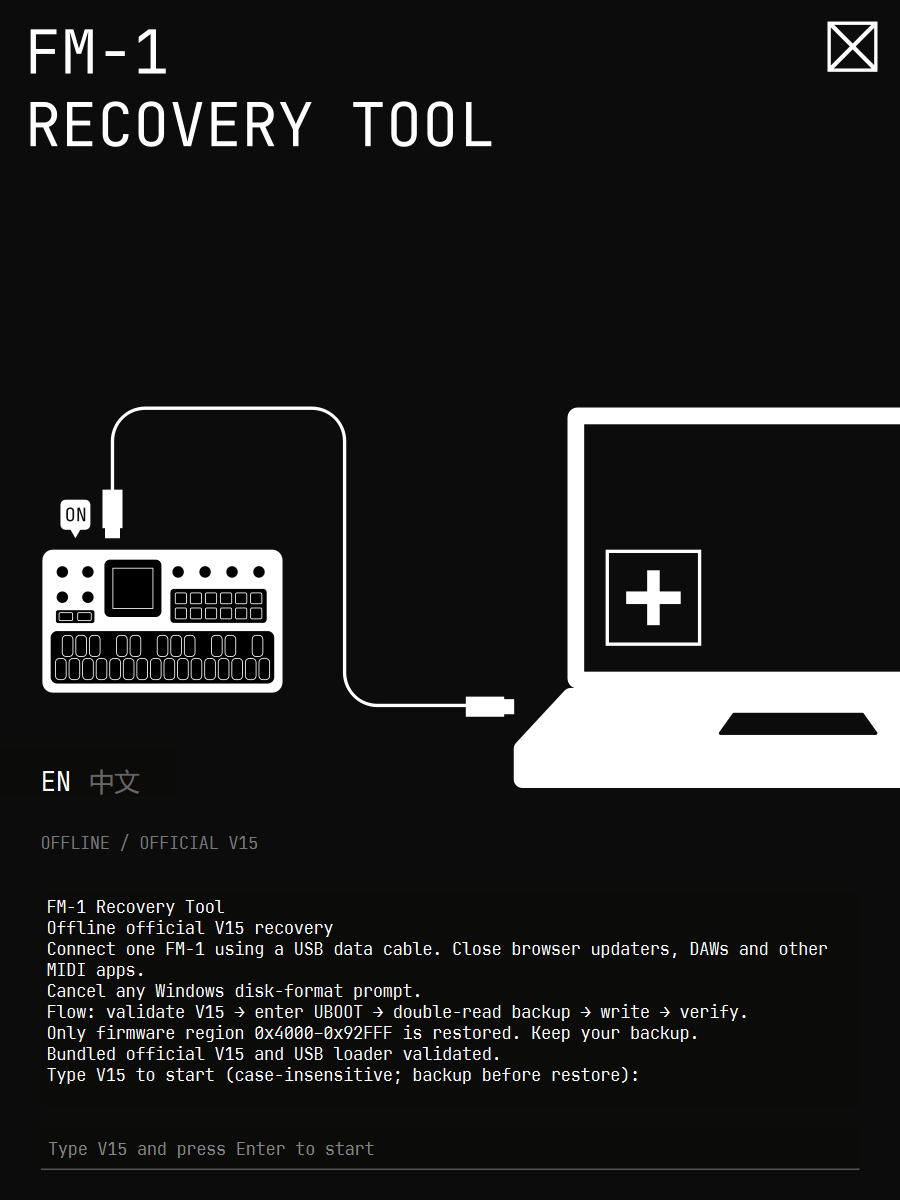
Windows program that restores M-VAVE's official V15 firmware to an FM-1 over USB without an internet connection, after backing up the whole flash twice and checking every byte it writes.
- Distribution
- Prebuilt image you flash yourself
- Requires stock
- V15
- License notes
- The MIT terms cover the project's own launcher, packaging and documentation; third-party components keep their own licences, and the upstream licence texts are included in the repository. FM-1_015.fwsc in the repository root is M-VAVE's FM-1 V15 image, licensed Apache-2.0 (git blob ce49cc1595b67347c68a3ac7463017f9fa8c19dd, unchanged).
- Source
- github.com https://github.com/balancechiang/FM-1-Recovery-Tool
- flasher
- loader
- utility
- backup
Description
A graphical front end for the community unbricking procedure, packaged as a single Windows x64 executable that carries its own Python, MIDI and USB libraries, the JieLi flash loader and the V15 image. It sends the MIDI command that drops a running unit into boot mode, confirms the chip, reads the 1 MiB flash twice and compares the reads, then rewrites only the firmware region from 0x4000 and reads it back. Backups and logs are saved next to the program. The interface is in English and Simplified Chinese. The recovery code is a modified copy of Quixotic7's MvaveFM1Unbricker with the lower-level protocol work from kagaimiq's jl-uboot-tool, and the V15 image is the one M-VAVE publishes.
Install notes
Windows x64 only; other Windows versions are untested. Unzip the release, run the executable as administrator with one FM-1 connected directly by a USB data cable, and close browser updaters and DAWs. Cancel any Windows prompt to format the disk. When validation passes, type V15 to start; the tool saves a backup before it writes. Do not cut power or unplug during writing. A unit that shows neither MIDI nor the boot disk needs hardware recovery instead.
Version history
| Version | Date | Notes |
|---|---|---|
| 1.0 | 2026-10-30 | First release, a Windows executable bundling V15. |