CHORD RUN
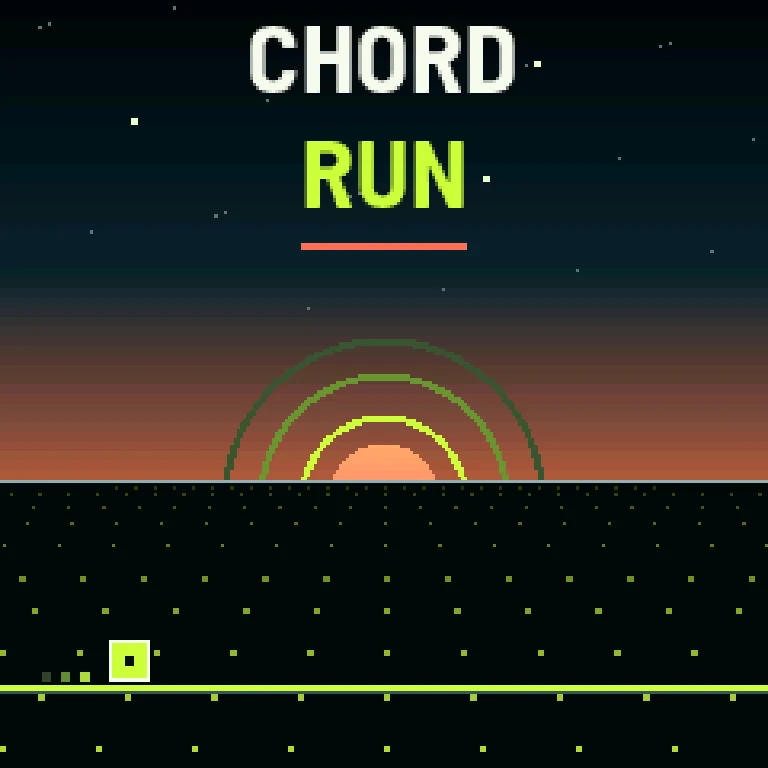
One-finger chord player for the FM-1 with 17 song sets, a scale-matched melody on the white keys, drum styles, a 4-bar looper and a runner game that scores your playing. Rights warning: the song sets use the chords of commercial songs.
- Distribution
- Prebuilt image you flash yourself
- License notes
- The README and LICENSE state GPL-3.0-only, as Blop (OSR-1). The grand piano samples (res/piano.bin) are the Salamander Grand Piano V3 by Alexander Holm under CC-BY-3.0, changed to mono ADPCM. fm1-base and felucca-bsp stay MPL-2.0, and each package holds three Apache-2.0 JieLi SDK files. CREDITS.md says thirteen sounds are converted from DRIFT's factory settings (GPL-3.0-only).
- Source
- github.com https://github.com/swtdr34mz-afk/CHORD_RUN
- Homepage
- swtdr34mz-afk.github.io https://swtdr34mz-afk.github.io/CHORD_RUN/emu/
- chords
- performance
- game
- drums
- looper
- sampler
- midi
- usb-midi
- emulator
Description
Rights warning: the 17 song sets are named after commercial songs by artists such as The Beatles, Toto, Adele, Ed Sheeran, The Weeknd and Radiohead, and each sets the chords of that song on the black keys with its own tempo and drum style. The README says the guide melodies are original and not the records', but it does not discuss the rights in the chord sets. Each song brings its own sounds, bass and drums. The white keys play the song's scale fitted to the chord sounding, and an ASSIST setting lights the notes that fit or, in GUIDE mode, a melody made for the song key by key. Nine chord rhythms, an arpeggiator, 24 sounds including a sampled grand piano, thirteen drum styles, a bass and the effects add to the playing. REC records four bars of chords that loop under the melody. A little runner covers distance while you play, with missions and ten unlockable characters. Chords and bass go out as USB MIDI on channel 1 and incoming MIDI clock sets the tempo. It is a GitHub fork of Blop (OSR-1), whose entry it extends, and a browser build of the same firmware is on the project site.
Install notes
Download the .fwsc package from the latest release and install it with an FM-1 .fwsc installer; the README gives no install steps of its own, and the firmware is also listed on The Firmware Hub. The README does not describe a recovery path, and the FM-1's ROM boot mode applies.
Version history
| Version | Date | Notes |
|---|---|---|
| 2.6 | 2026-11-21 | Latest of 17 releases made between 20 and 21 November 2026, none with release notes. |
| 1.0 | 2026-11-20 |