GP-200 Tone Desk
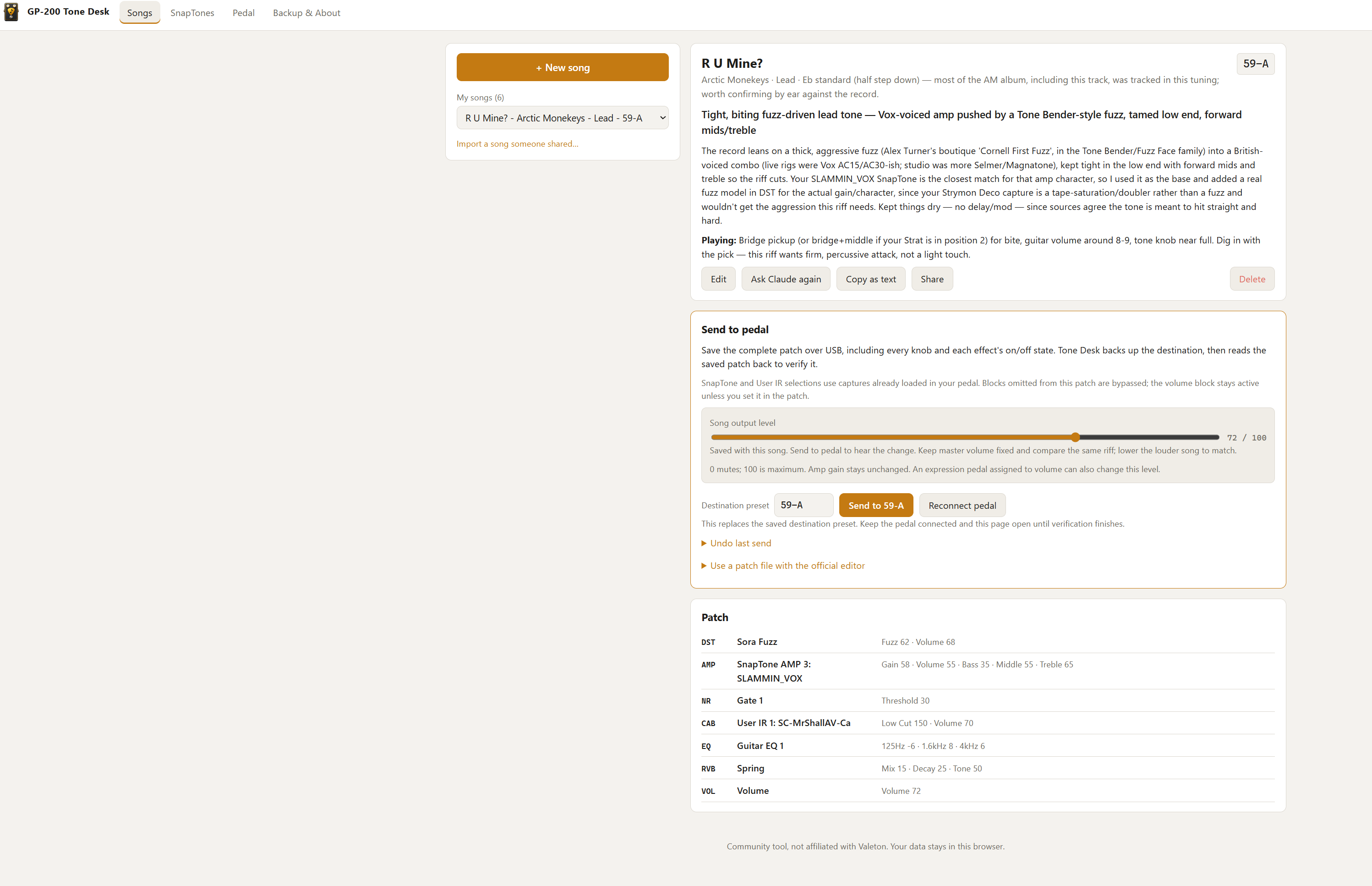
Single-page Web MIDI app for the GP-200 that stores songs and a library of your SnapTone and IR slots, builds a complete patch from a Claude reply you paste in, and writes it to a preset over USB with backup, read-back and undo.
by Kaprrrr
- Distribution
- Prebuilt image you flash yourself
- Requires stock
- GP-200 firmware 1.8
- License notes
- The LICENSE file is MIT. The repository holds no application code, only the README, license and screenshots, so the license is what the repository states for the release downloads.
- Source
- github.com https://github.com/Kaprrrr/GP-200-Tone-Desk
- Homepage
- github.com https://github.com/Kaprrrr/GP-200-Tone-Desk/releases/latest
- editor
- web-midi
- sysex
- usb-midi
- midi
- presets
- backup
- ai
- nam
- ir
- web
Description
The Songs tab keeps a title, artist, part and guitar for each song with its patch, and the SnapTones tab lists what is in each capture and user IR slot. The app builds a prompt from the song, your captures and every GP-200 model for you to paste into Claude on claude.ai, then loads the JSON reply as a patch. Sending backs up the destination preset, writes every knob and block state, and reads it back to check it, with an undo of the last send and a patch file for the official editor. A per-song output level adjusts the volume block. Songs are kept in the browser with backup export and sharing by file. Releases are a Windows launcher that opens the page in Edge or Chrome and a Mac HTML file. The repository holds only the README, a LICENSE and screenshots; the app is in the release zips. The README says version 1.2.4 fixed parameter mappings that could swap delay time and feedback.
Install notes
Unzip the Windows or Mac download, connect the pedal by USB and open the app in Chrome or Edge, then use Connect on the Pedal tab. Close the official editor first. The Windows launcher is not signed, so Windows may warn. Do not use releases before 1.2.4 to send patches.
Version history
| Version | Date |
|---|---|
| v1.2.6 | 2026-10-02 |