OP-Z Studio
Tool for OP-Z (Teenage Engineering)
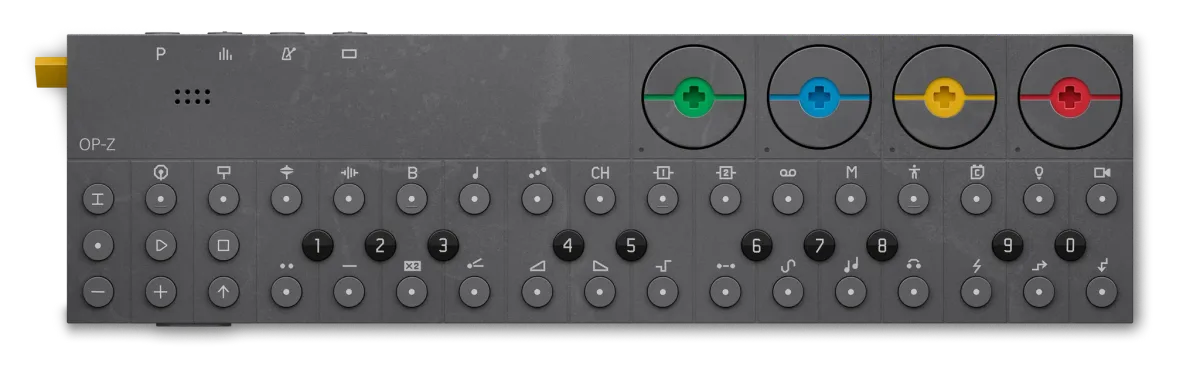
Web editor that reads the open OP-Z project over Web MIDI with SysEx and lets you edit patterns, notes, chords, step components, sound choice and effects from the browser, writing changes back with a backup and read-back check. Saves .opzproject files. The interface is in French.
by agolg
- Distribution
- Browser installer (WebMIDI / WebUSB)
- Source
- github.com https://github.com/agolg/opz-studio
- Homepage
- agolg.github.io https://agolg.github.io/opz-studio/
- editor
- sequencer
- web-midi
- sysex
- usb-midi
- web
Description
Reads the 16 patterns, notes, chosen sounds, tempo and chains of the open project and can switch project and pattern with the official MIDI messages. The sequencer places notes, chords and arpeggios, step components and per-step parameter locks, and copies between patterns. Per track and pattern it picks one of the ten loaded sounds, edits parameters and the mix and effects. Pattern edits go to the device live over CCs or automatically with a backup first and byte-exact read-back and rollback. It never changes loaded kits, engines or samples. The protocol work builds on kmorrill's op-z-sysex, listed in this directory. The author tells users to back up the device first.
Install notes
Use Chrome or Edge on a computer with the device on current firmware, connected by USB, and allow MIDI with SysEx. In the device's MIDI settings (hold tempo and screen) keep key 2 and key 8 lit and key 1 off. Back up the device first.
Version history
| Version | Date | Notes |
|---|---|---|
| main @ 782bf25 | 2026-09-18 | No tagged releases; this is the latest commit. |