stembounce
Tool for OP-XY (Teenage Engineering)
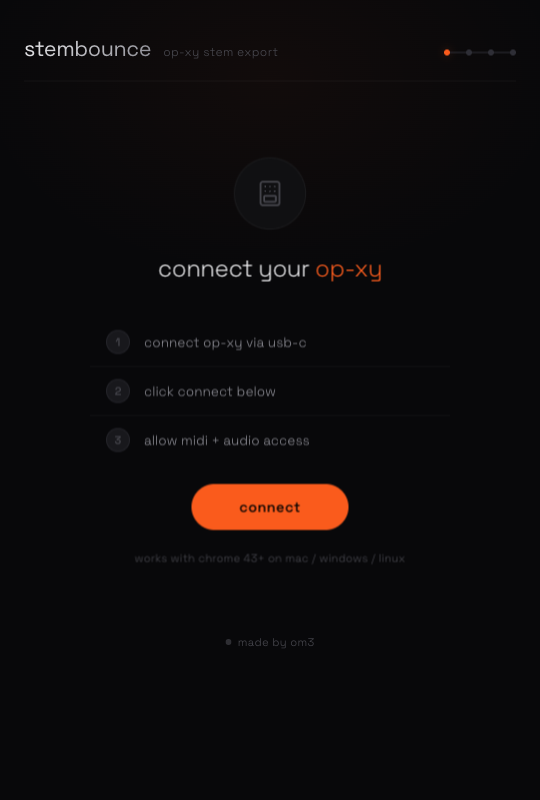
Browser app that bounces an OP-XY's eight tracks to separate WAV stems by muting them over MIDI, starting the transport and recording the device's USB audio, then aligns each stem to beat one from MIDI clock. Output is individual WAVs or a ZIP.
by OM3
- Distribution
- Browser installer (WebMIDI / WebUSB)
- Source
- github.com https://github.com/om3opr/stembounce
- Homepage
- stembounce.vercel.app https://stembounce.vercel.app
- web-midi
- usb-midi
- usb-audio
- utility
- web
Description
For each selected track the app mutes all tracks with CC 9, unmutes one, sends MIDI start, records the audio input for the song length and stops. It reads tempo from the device's clock, trims pre-roll so stems start on the downbeat, can add a full-mix pass, and writes 24-bit 48 kHz or 16-bit 44.1 kHz files with the BPM in the file names. A diagnostics panel shows raw MIDI. The device must have clock send, CC receive and transport receive switched on in its COM settings. Nothing is flashed. It can be installed as a PWA. Opxy-stems in this directory does the same job as a single HTML file.
Install notes
Open the hosted page in Chrome, connect over USB-C with a data cable and allow MIDI and audio input. On the device, press COM then M3 and turn on clock send, CC receive and, on the second page, transport receive.
Version history
| Version | Date | Notes |
|---|---|---|
| main @ d788a98 | 2026-02-14 | No tagged releases; this is the latest commit. |