opxy-stems
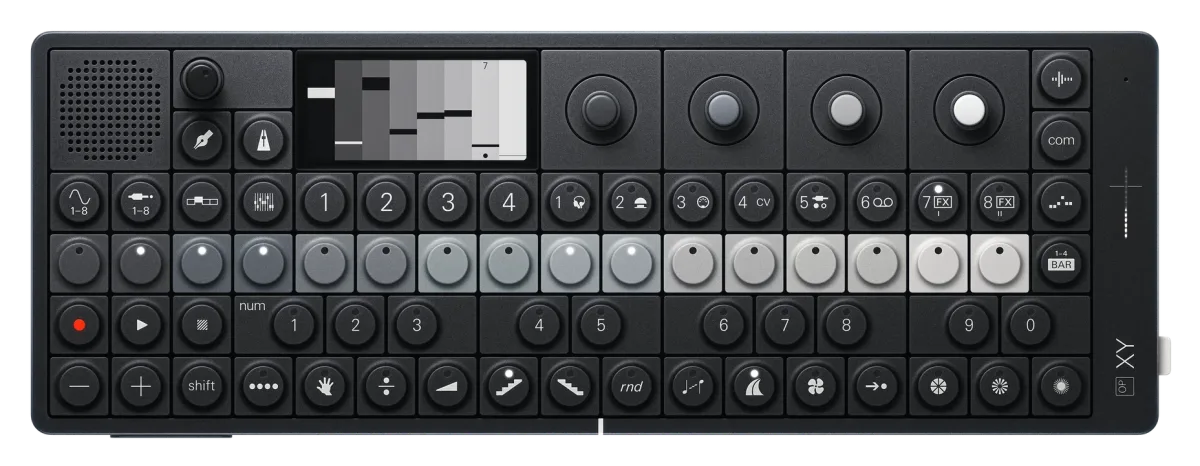
Tool for OP-XY (Teenage Engineering)
Single-file web page that bounces the OP-XY's eight tracks to WAV stems one pass at a time by muting over MIDI CC 9, starting and stopping the transport, and recording USB audio. Auto-detects BPM from clock and offers 16-bit, 24-bit and 32-bit float output as a ZIP.
by mofongo
- Distribution
- Browser installer (WebMIDI / WebUSB)
- License notes
- The README states MIT; the repository has no LICENSE file.
- Source
- github.com https://github.com/mofongo/opxy-stems
- Homepage
- mofongo.github.io https://mofongo.github.io/opxy-stems/
- web-midi
- usb-midi
- usb-audio
- utility
- web
Description
A small, independent page with the same method as stembounce, listed beside it: it mutes every track, unmutes one, records for a set number of bars and repeats. Each stem is trimmed to the first clock tick after start, a mix pass can be added, and a test mute button checks which track each cell mutes. It has no build step. Nothing is flashed. The device needs clock send, note and CC receive and transport receive turned on in the COM menu.
Install notes
Open the hosted page in Chrome, Edge or Opera, or open index.html from a checkout. Connect the device over a USB-C data cable and pick it as MIDI out and audio in. Set the COM menu options listed in the README first.
Version history
| Version | Date | Notes |
|---|---|---|
| main @ e94b6f9 | 2026-05-21 | No tagged releases; this is the latest commit. |