STK Builder
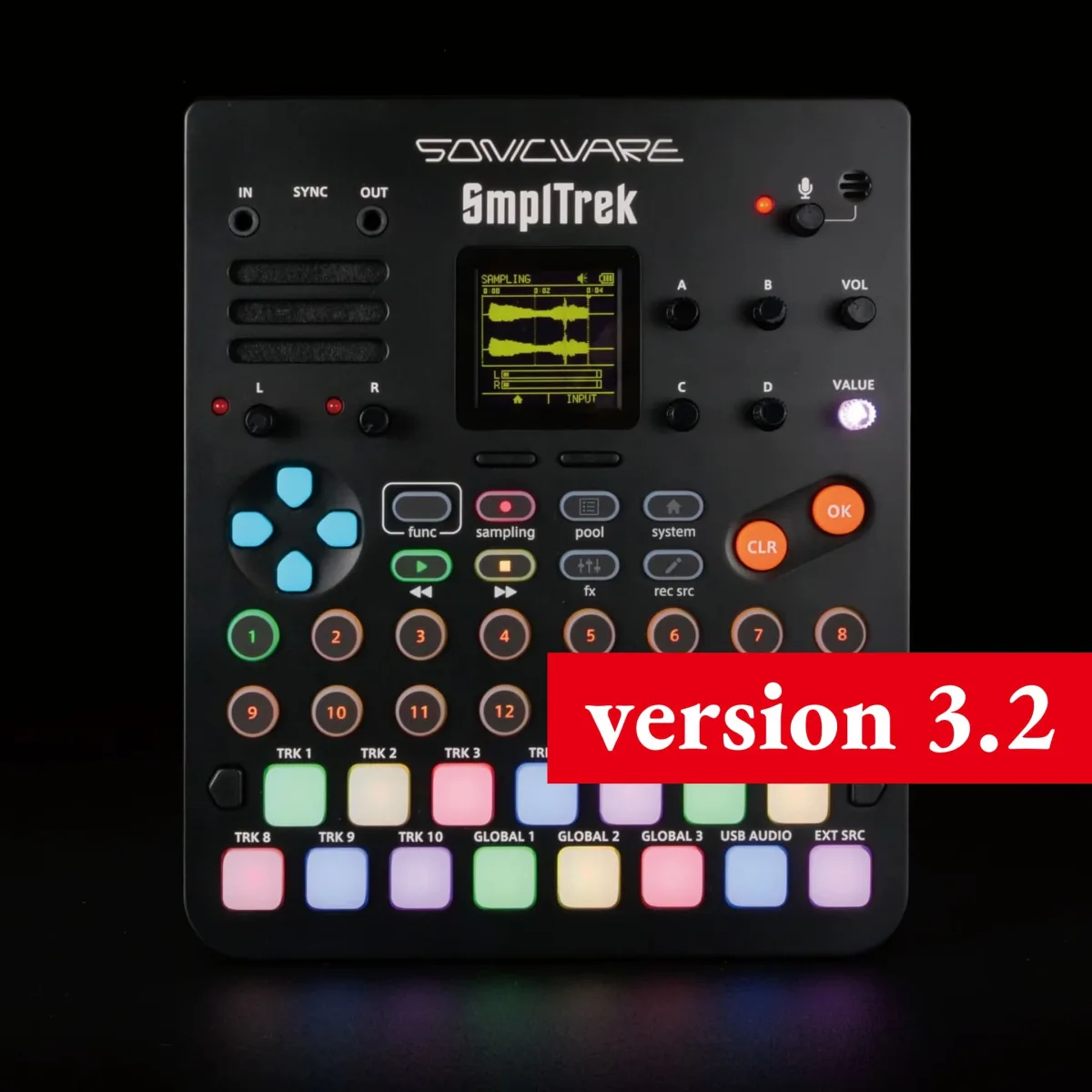
Browser editor for SmplTrek .stk drum kits. It opens a kit or starts an empty one, shows the 15 slots in the device's layout, replaces and trims samples, edits level, pan, FX send, names and pad colours, and exports a new .stk. A command-line batch converter is included.
by Ryan Veitch
- Distribution
- Browser installer (WebMIDI / WebUSB)
- Source
- github.com https://github.com/rveitch/stk_builder
- Homepage
- rveitch.github.io https://rveitch.github.io/stk_builder/
- editor
- drums
- samples
- converter
- web
- utility
Description
Files stay in browser memory, and exports patch only the requested bytes, so audio and undecoded metadata are kept. The README separates what has been checked from what has not: parameter exports and sample replacement were confirmed on a SmplTrek on 2026-10-06, while fresh-kit defaults, pad colour writes and the pitch field are provisional, and the choke code is shown raw. An optional WebMCP mode lets a connected agent inspect and build kits from WAV files the user selects, and it is off when the page loads. The command-line tool builds kits from folders of 48 kHz WAV files and writes a conversion report. Nothing is flashed.
Install notes
Open the hosted page and drop in an .stk or WAV files, then copy the exported kit to the SD card. Output samples are 48 kHz 16-bit PCM, at most 5.4 seconds mono or 2.7 seconds stereo. The command-line tool needs Node 24 and a clone of the repository.
Version history
| Version | Date | Notes |
|---|---|---|
| main @ ad383a3 | 2026-10-06 | No tagged releases; this is the latest commit. |