smpltrek-loopstart
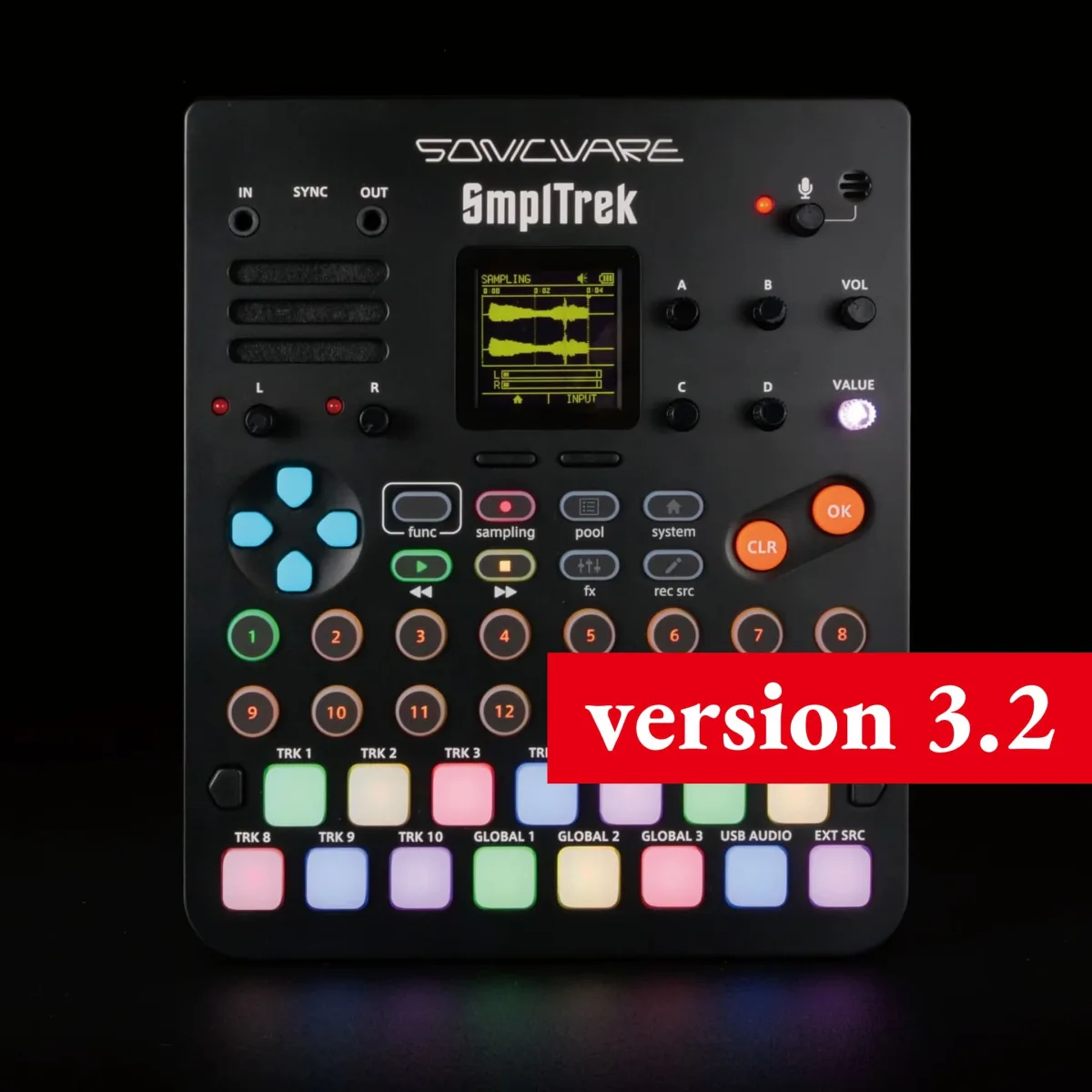
Firmware for SmplTrek (Sonicware)
Work-in-progress patch for SmplTrek system 3.2.174 that makes the loop clip START POS page move in beats and bars and adds a scene-wide shift; the update file is built locally from the user's own official SmplTrek.bin.
by worthbeer
- Distribution
- Patches a stock file you supply
- Requires stock
- SmplTrek system 3.2.174 (SmplTrek.bin, sha256 3b6848b0f041bcf23c73d4b0357d2f3d6dc9e7e03752b32ff7322e91e6814e53), supplied by the user
- License notes
- The LICENSE file is the MIT text. vendor/ holds the container and CRC tool from smpltrek-re, MIT, with its licence beside it. The README says it contains no Sonicware firmware.
- Source
- github.com https://github.com/worthbeer/smpltrek-loopstart
- patch
- loop
- sampler
- research
- utility
Description
On the loop clip's START POS page, knob A moves the start by one beat, or one bar on long loops, so it lands on the wave's own beat grid, and a bar.beat readout is added beside the frame count. Version 0.2 adds FUNC with knob A to shift every other loop clip in the scene by the same number of beats, and FUNC with knob B to set the clip and the other loop clips to one bar. The builder checks that the input is the official 3.2.174 file by hash, appends a small code section of about 3 KB, redirects two function pointers of the clip-edit page, reseals the update file's checksums and confirms that only 23 header and pointer bytes differ from the original. The repository holds the C source, prebuilt payloads and no Sonicware firmware. The README says it ran on one unit only, that the set-all function was checked in the emulator only, and that persistence after saving and power cycling is not yet checked. It builds on smpltrek-re's container and CRC tools.
Install notes
Run tools/build_image.py with your official SmplTrek.bin and a release payload to make SmplTrek.bin, check its integrity with the vendored tool, copy it to the SD card root and run SYSTEM UPDATE from BOOT MODE (hold HOME while powering on). The patch leaves the bootloader, the panel MCU and the presets area alone. The flashing guide says a failed update is recovered by installing the official file from BOOT MODE, which is read before the system image loads.
Version history
| Version | Date | Notes |
|---|---|---|
| v0.2 | 2026-11-24 | Marked work in progress and a pre-release. Adds the FUNC shift and set-all functions; the shift was checked on one unit and set-all in the emulator only. |