Lofi-12XT Pattern Transfer Tool
Tool for Lofi-12 XT (Sonicware)
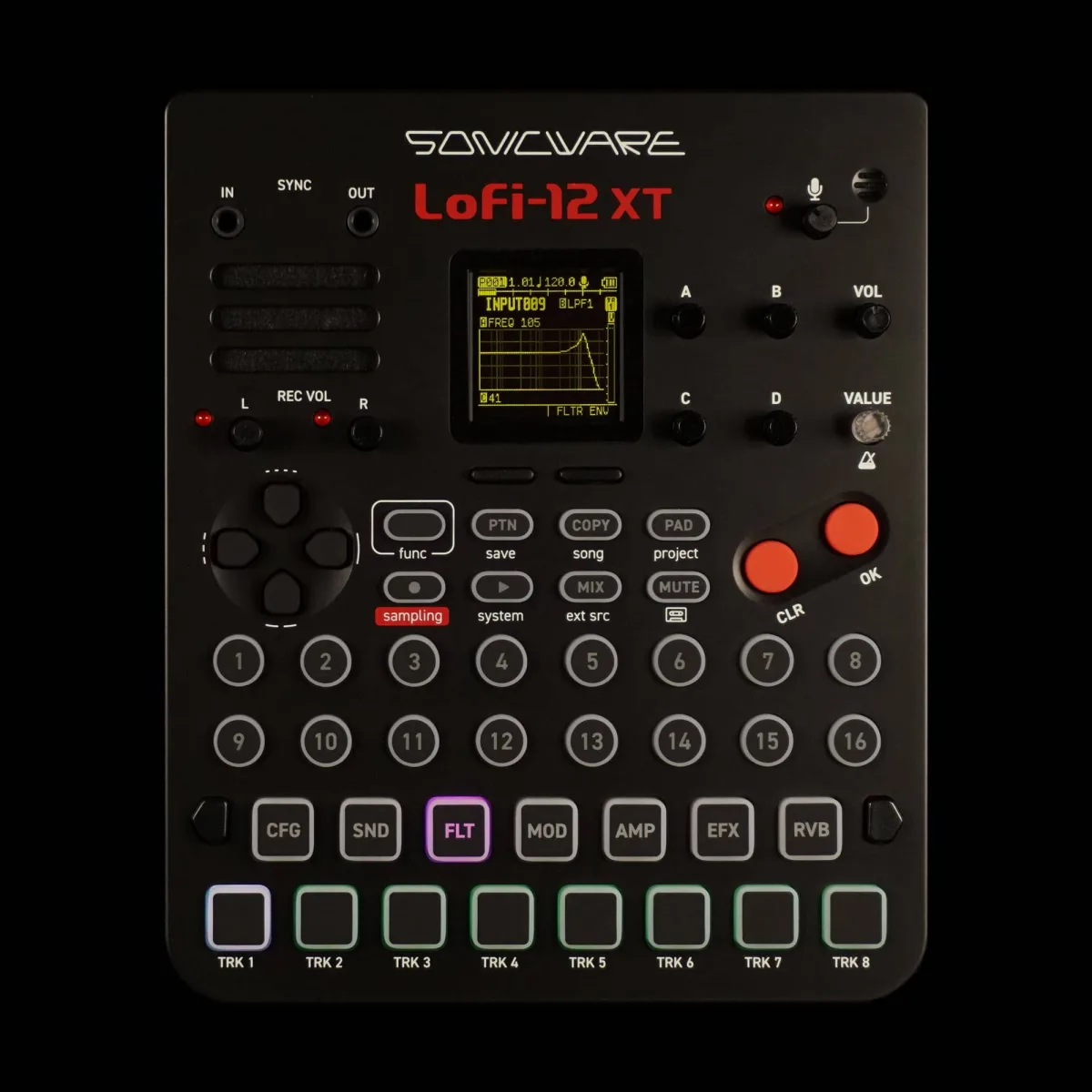
Browser tool that moves a pattern and the samples it uses from one Lofi-12 XT project to another on the SD card. Dropping a pattern on an empty slot replaces that slot, and dropping it on an occupied slot shifts the patterns below it down.
by jay-maculate
ActiveSource: openunspecified
- Distribution
- Browser installer (WebMIDI / WebUSB)
- Requires stock
- Lofi-12 XT firmware 1.5
- License notes
- The repository has no licence file or statement.
- Source
- github.com https://github.com/jay-maculate/Lofi-12XT-Pattern-Transfer-Tool
- Homepage
- jay-maculate.github.io https://jay-maculate.github.io/Lofi-12XT-Pattern-Transfer-Tool/
- librarian
- samples
- web
- utility
Description
The page opens the System folder of the card through the browser's folder access and parses the project files directly, so the device itself is not connected. It writes to the card in place, and its own page warns that it overwrites pattern data and suggests a backup first. Nothing is flashed.
Install notes
Open the page in Chrome or Edge, choose the System folder on the SD card, pick a project on each side and drag a pattern across. Back up the card first.
Version history
| Version | Date | Notes |
|---|---|---|
| main @ 516b9ae | 2026-10-19 | No tagged releases; this is the latest commit. |