Ambient Ø web tools (official)
Tool for LIVEN Ambient Ø (Sonicware)
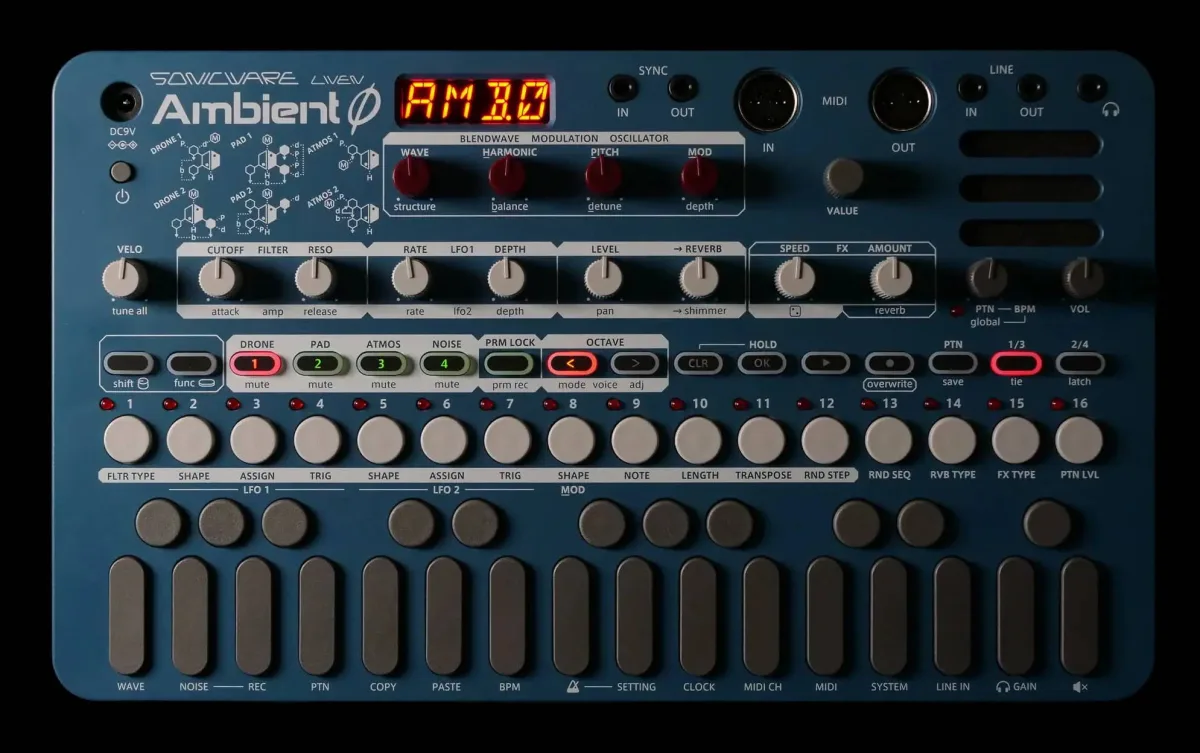
Sonicware's three browser tools for the LIVEN Ambient Ø. A firmware updater and a preset pattern transfer page talk to the synth over Web MIDI, and a converter turns a WAV into a NOISE sample .syx file. Closed source.
by Sonicware
- Distribution
- Browser installer (WebMIDI / WebUSB)
- License notes
- No licence terms were found on the pages.
- Homepage
- sonicware.co.jp https://www.sonicware.co.jp/exe/LIVEN_Series_Firmware_Updater_for_Ambient0_1_5.html
- official
- flasher
- presets
- converter
- sysex
- web-midi
- web
Description
The updater page carries firmware 1.5.45 and sends it to a unit started in update standby mode. The pattern page sends any of four banks of sixteen preset patterns into a selected empty pattern. The NOISE converter takes the first eight seconds of a WAV, adds an optional crossfade with a preview, and downloads a SysEx file. This is first-party software, not custom firmware. Sonicware also publishes the firmware as a .syx file for use with a general SysEx tool.
Install notes
Use Chrome or Edge and allow MIDI access. For the update, hold shift while powering on, press UPDATE on the page, then press OK on the synth once the version shows. A longer wait time helps if a transfer fails. The other pages are the Preset Pattern Data Transfer (https://www.sonicware.co.jp/exe/Preset_Pattern_Data_Transfer_for_Ambient0.html) and the NOISE Sample file converter (https://www.sonicware.co.jp/exe/NOISE_Sample_file_converter_for_LIVEN_Ambient0.html).
Version history
| Version | Date | Notes |
|---|---|---|
| 1.0.0 | 2025-03-14 | Page versions for the updater and pattern transfer, listed with firmware 1.5.45 on the downloads page. |