Smart Box CFW
Firmware for Smart Box (Sonicake)
Rights warning: unofficial firmware for the Smart Box built from Sonicake's V1.0.6 code, with STOMP and scene modes, extra delays, reverbs and EQ models, 10 + 10 IR and Tone Catch slots and MIDI maps. Binary only, with no named author.
by guitar-training-generator.com
- Distribution
- Prebuilt image you flash yourself
- Requires stock
- Sonicake firmware V1.0.6 (the pedal shows V1.0.6-CFW1.0 in Settings, About, after the update)
- License notes
- No licence is stated. The page says the file is Sonicake's V1.0.6 firmware with community modifications, so it contains Sonicake code that stays under Sonicake's rights, and it is provided as is, without warranty.
- Homepage
- smartbox-cfw.guitar-training-generator.com https://smartbox-cfw.guitar-training-generator.com/
- multi-effects
- guitar
- midi
- ir
- web-midi
- ui
- scenes
Description
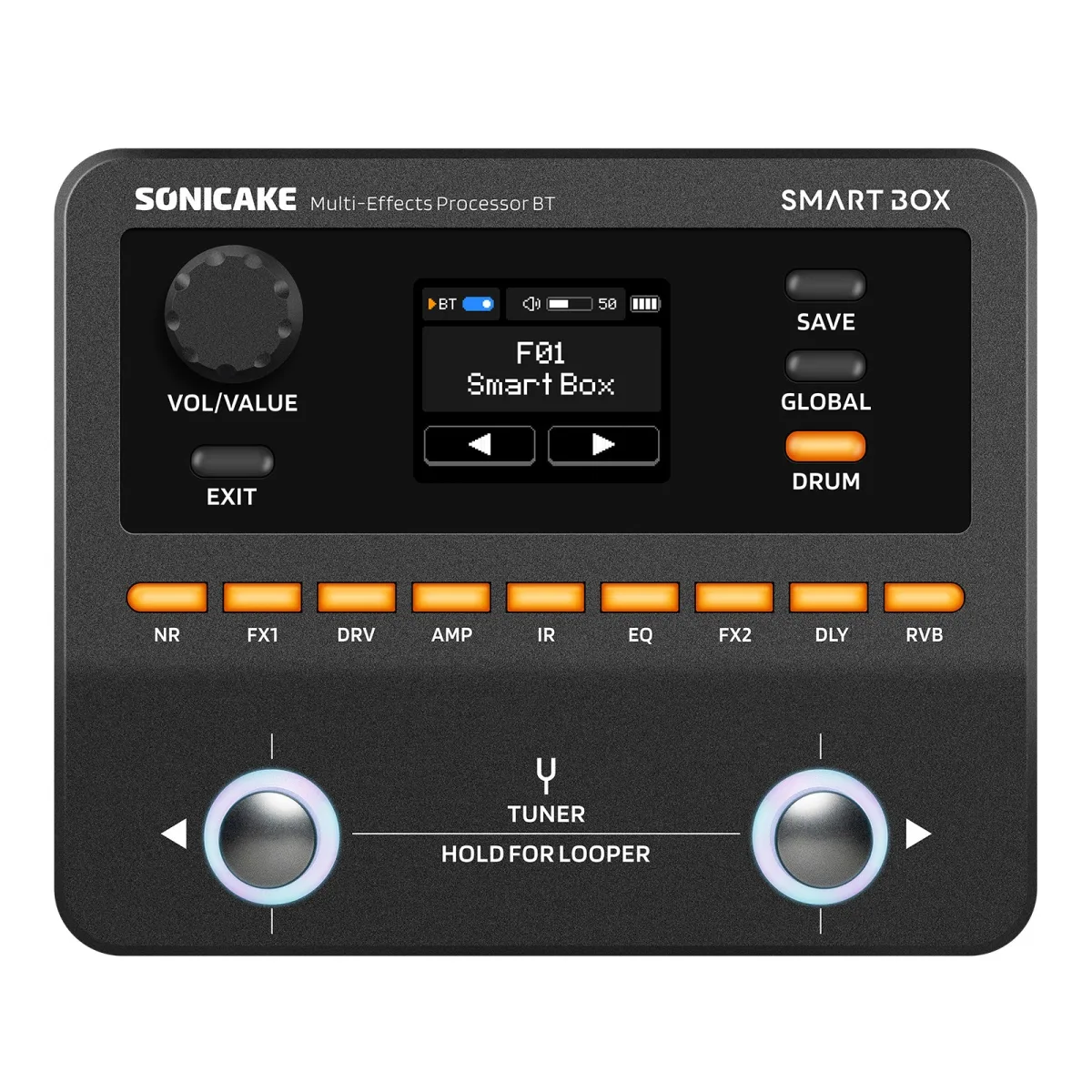
Rights warning: the image is Sonicake's V1.0.6 firmware with changes made by the community, the page says, and no source is published. It is the Smart Box version of the Pocket Master CFW, from the same site and on the same platform. The firmware adds STOMP and SCENE modes on the footswitches, a Pocket Master-style screen with a DSP load meter, 10 + 10 User IR and Tone Catch slots with 30-character names, a lighter looper, six further delays and five reverbs that follow the tempo, further EQ models, themes, English menus on Chinese-market units, MIDI expression pedals A to D and configurable MIDI maps. The site also offers a manual and the Sonicake CFW web app, with Windows and Android versions that are shared with the Pocket Master. The page does not name the author, who says the firmware has been made since October 2026 and tested on one unit only, and that Sonicake may have shipped hardware revisions on which it fails. It is credited to Sonicake's own code plus the SonicMaster, gp150-htfw and Linux flash projects. The page asks that derived builds credit the site and link to it. The project says it is not affiliated with Sonicake.
Install notes
Use a USB cable, not Bluetooth, with the pedal on a charged battery (turn on Batt Only) and flashed from a USB-C port that has not tripped an overcurrent warning. Flash the .bin from the Sonicake CFW app's firmware update, or load it in Sonicake Manager's firmware update, after checking its SHA-256 against the release notes. Back up User IRs and Tone Catches first: on the first start the five of each move into the new 10 + 10 slots, and going back to stock erases all of them, while presets are kept. To go back, flash Sonicake's V1.0.6 with Sonicake Manager, which the page also names as the recovery route. The page warns that other hardware revisions may not work.
Version history
| Version | Date | Notes |
|---|---|---|
| V1.0.6-CFW1.0 | undated | Only version listed, marked stable and tested on the author's own unit. The page gives no release date; it says the firmware has been made since October 2026. |