Gruvbox for Polyend Tracker
Tool for Tracker, Tracker+ and Tracker Mini (Polyend)
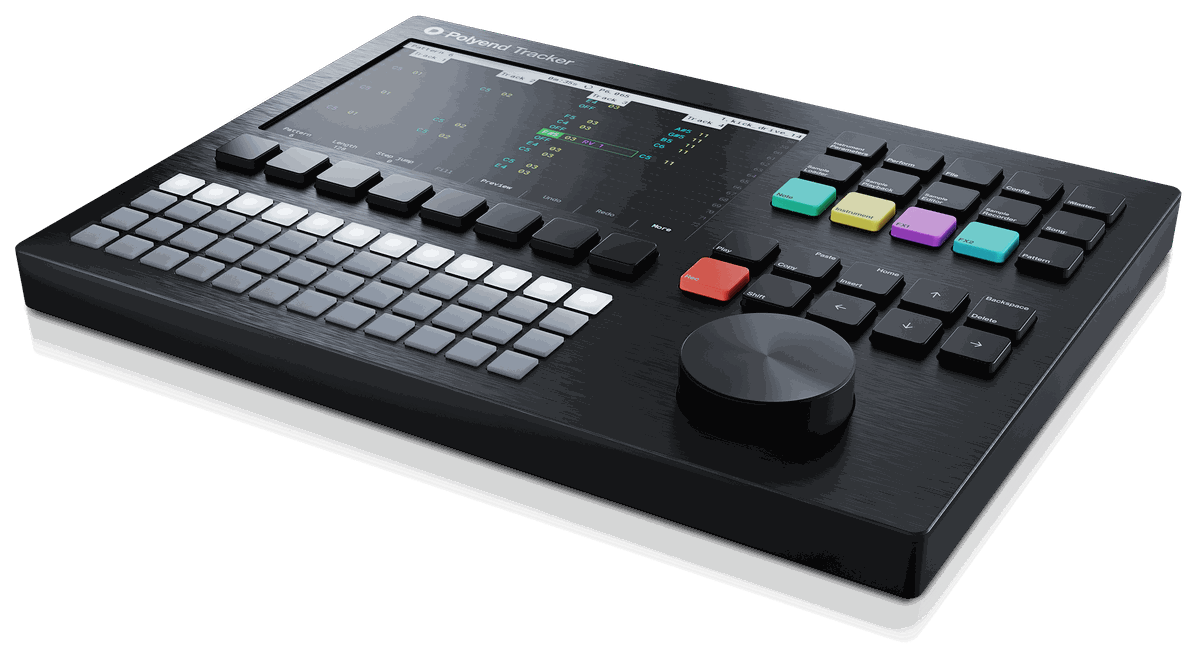
Six Gruvbox colour themes for Tracker Community Edition firmware, dark and light in hard, medium and soft contrast, as .json files for the SD card, with the Node script that generates them from the Gruvbox palette.
by brachkow
- Distribution
- Prebuilt image you flash yourself
- Requires stock
- Polyend Tracker Community Edition
- License notes
- No license file in the repository; the README states no terms.
- Source
- github.com https://github.com/brachkow/polyend-tracker-gruvbox
- theme
- ui
- generator
Description
Each theme is a JSON file in the format the Community Edition firmware reads from a Themes folder on the SD card, and the six appear in the Display theme setting of the Config screen. Dark themes use the bright Gruvbox accents and light themes the faded ones. The README says the firmware indexes up to 29 custom themes and that any file can be previewed in Polyend's browser theme editor. The files are generated by build.mjs, which maps the palette to the Tracker's theme keys.
Install notes
Copy the Themes folder to the root of the SD card, or the .json files into an existing Themes folder, then choose one under Display theme in Config. Themes need the Community Edition firmware.
Version history
| Version | Date | Notes |
|---|---|---|
| main @ f7e9c3f | 2026-11-02 | No tagged releases; this is the latest commit. |