Alpaca
Firmware for Tracker Mini (Polyend)
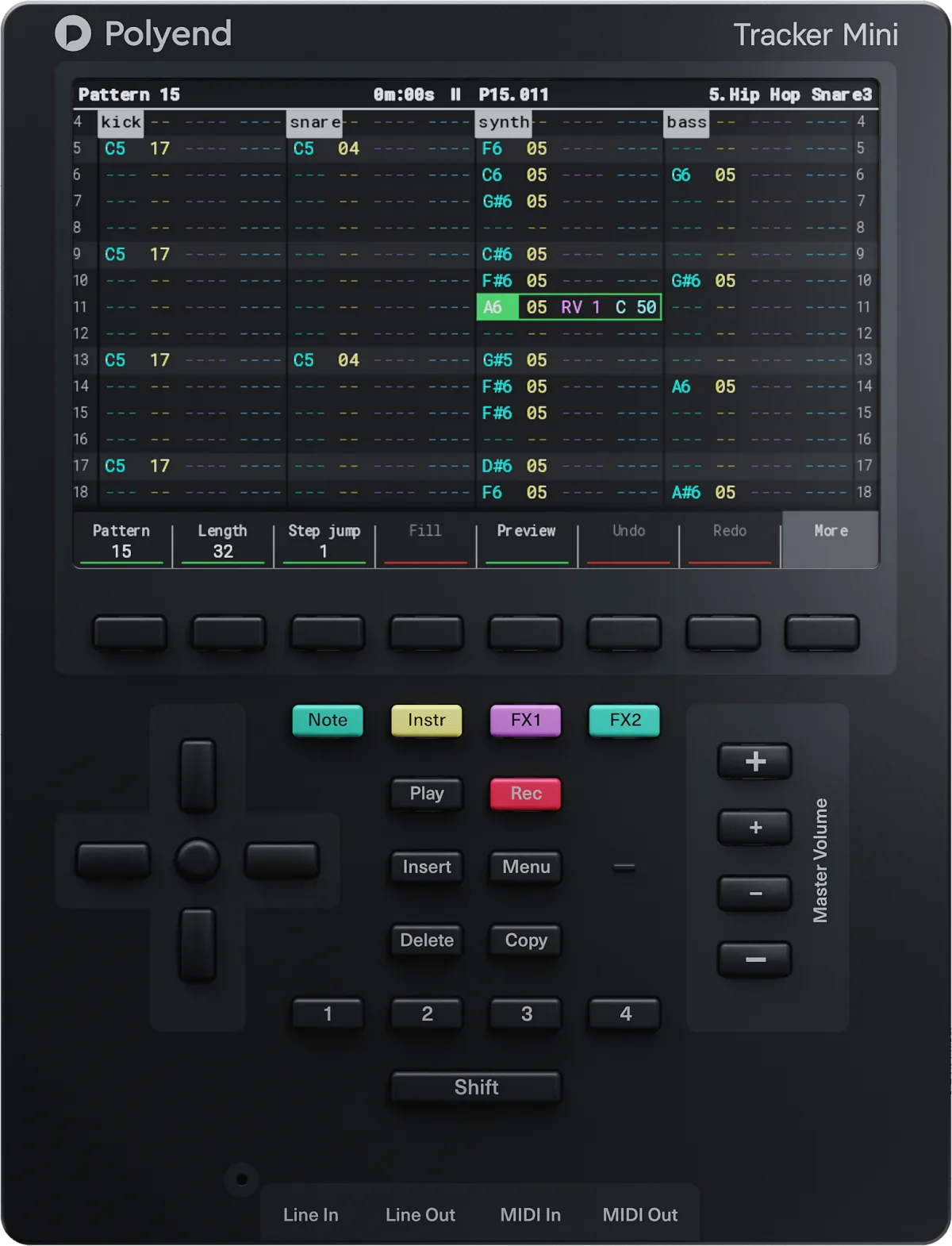
Tracker Community Edition build for the Tracker Mini that adds a chord-machine panel in the style of the Conductive Labs NDLR, with chord buttons, pad, drone and two motif parts driving the internal synths.
- Distribution
- Prebuilt image you flash yourself
- Requires stock
- Tracker CE 1.0.0 base
- License notes
- The README states "same as Tracker CE, PolyForm Noncommercial" and tells the reader to add the licence text as LICENSE; no LICENSE file is in the repository. The v1.0.0 tag of polyend/tracker-ce carries the PolyForm Noncommercial 1.0.0 terms with Polyend's additional permissions, and the release file is named for Tracker CE 1.0.0.
- Source
- github.com https://github.com/5ckmmz97rw-svg/Alpaca
- Homepage
- 5ckmmz97rw-svg.github.io https://5ckmmz97rw-svg.github.io/Alpaca/
- chords
- sequencer
- generative
- performance
- fork
Description
Licence note: the README says the project follows Tracker CE's PolyForm Noncommercial terms, and the repository has no LICENSE file yet. The panel opens from Config, then Info, and is played with the Mini's d-pad, which highlights one of eight on-screen encoders or seven chord buttons. A Pad part, a Drone part and two Motif parts (one arpeggiating up, one down) play through the Mini's synth channels, with tempo, key, mode and octave settings and a panic control. The repository holds only the source files that go over a tracker-ce checkout, three new ones and six modified. Its install notes list strum, spread, rhythm patterns, the mod matrix and LFOs as not yet implemented, and the author calls the project fan-made and unofficial. The Mini build of Tracker CE 1.0.0 with these changes is attached to the v0.1 release.
Install notes
Copy TrackerMini_CE_1.0.0_NDLR4.ptf from the release to /Firmware on the microSD card, then choose Config > Firmware update, or build it from a tracker-ce checkout with the Make target given in the README. Back up projects first, because Community Edition firmware saves patterns in a format older firmware cannot read. The Mini's recessed reset button starts the bootloader, which flashes a known-good .ptf from the card, so a build that does not boot can be replaced.
Version history
| Version | Date | Notes |
|---|---|---|
| v0.1 | 2026-11-14 | First public build, TrackerMini_CE_1.0.0_NDLR4.ptf. |