Drizzlet storage recovery
Firmware for Beads (Mutable Instruments)
One-off recovery image for a Beads that fails at start-up, which erases the settings and saved frozen buffer and rewrites the settings at factory values. It is not a working firmware.
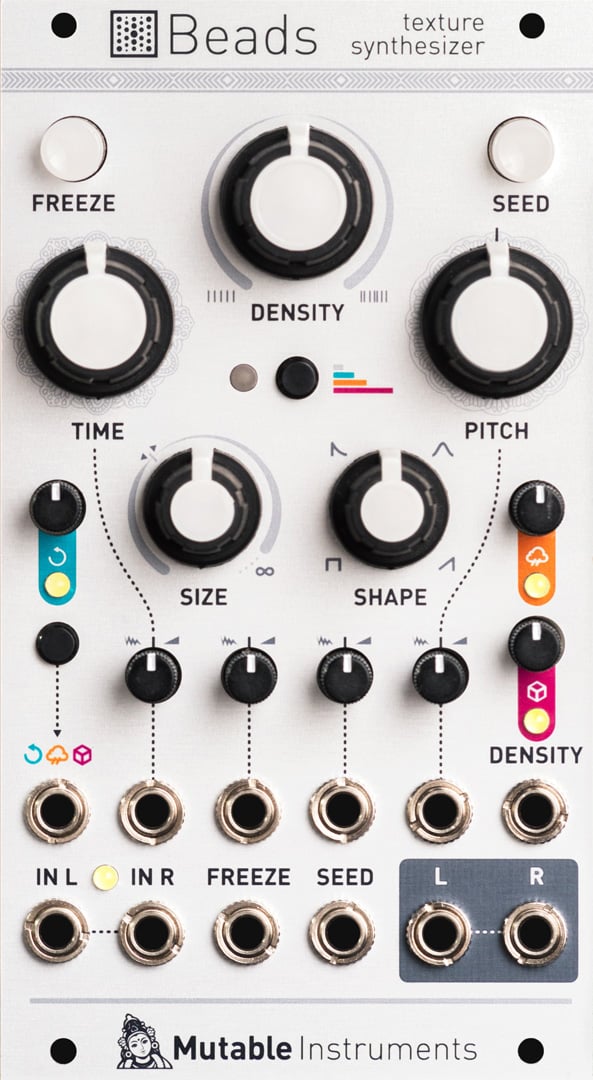
- Distribution
- Prebuilt image you flash yourself
- Requires stock
- Beads with a working audio updater (FREEZE held at power-on, FREEZE and SEED LEDs flashing alternately)
- License notes
- The source files carry an MIT notice from Insolent Construct. The fork has no top-level LICENSE file.
- Source
- github.com https://github.com/insolentconstruct/eurorack/tree/storage-recovery-2026.11.24/beads/recovery
- Homepage
- github.com https://github.com/insolentconstruct/eurorack/releases/tag/storage-recovery-2026.11.24
- recovery
- bugfixes
Description
Published by the Drizzlet author for a Beads that stops at start-up with a steady LED while its updater still works, which Mutable Instruments users have reported with the stock firmware since 2023. The author does not know whether Drizzlet can cause it. The image runs before any settings are read. It checks both stored copies of the CV calibration before erasing anything, keeps a copy only if it reads back cleanly and is within 25 percent of the factory values, and verifies that copy before erasing the sector that holds the other one. It then erases the flash sectors that hold the saved frozen buffer without reading them and rewrites the settings. The first release, 2026.10.27, could erase a usable backup copy before reading it. The module then does nothing until a normal firmware update is installed. If the calibration was reset, the CV inputs need recalibrating with accurate 1 V and 3 V references. The author tested it on one healthy module only and says it cannot support anyone's hardware. It does not come from Mutable Instruments.
Install notes
Use it only when the module does not start and its updater still works. Unplug all CV cables, patch the audio interface to IN L, set TIME to a middle position, power on with FREEZE held and play storage-recovery.wav as for any Beads update. The mode LED blinking green means done; if the three ASSIGN LEDs are also lit the calibration was reset. Blinking red means it failed, and the remaining route is an ST-Link flash. Afterwards install a normal firmware the same way: Mutable Instruments' Beads 1.7, the early 2024 patch firmware or a Drizzlet release.
Version history
| Version | Date | Notes |
|---|---|---|
| storage-recovery-2026.11.24 | 2026-11-25 | Pre-release on GitHub. Checks both calibration copies before erasing anything, so a usable backup is no longer erased before it is read, and verifies the kept copy before erasing the other sector. The notes say this exact image was installed on a module running beads-tuneup and kept its calibration. |
| storage-recovery-2026.10.27 | 2026-10-27 | Pre-release on GitHub. First release of the recovery image. |