MMCTool
Firmware for M5Stack Cardputer (M5Stack)
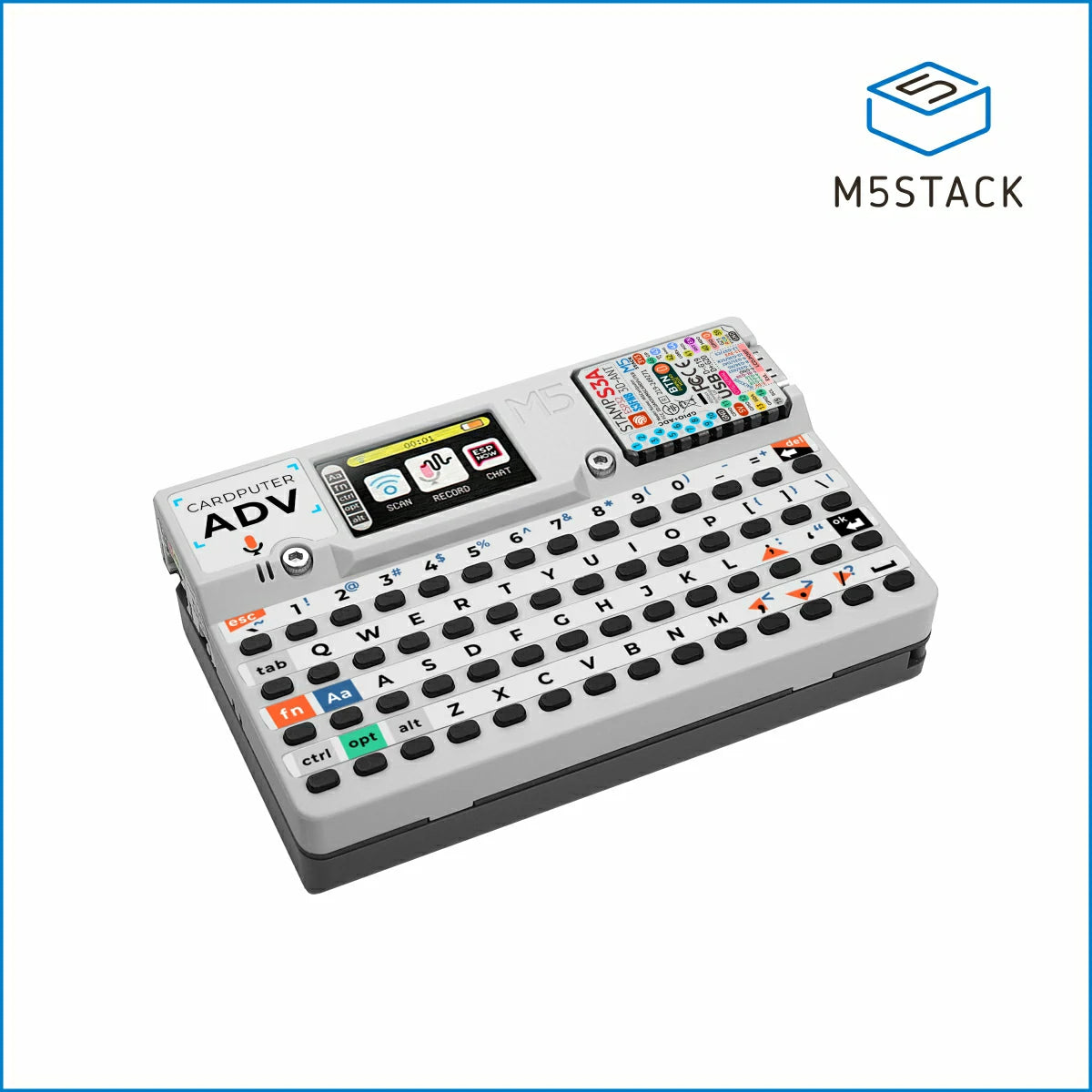
Pocket instrument firmware for the Cardputer and Cardputer ADV, with ten instruments including a six-voice polyphonic synth, bass, guitar, harp, piano and three drum kits, live effects and an SD card WAV recorder.
by Cynthend
- Distribution
- Prebuilt image you flash yourself
- Requires stock
- M5Stack Cardputer or Cardputer ADV
- License notes
- The LICENSE file is the GPL-3.0 text, and the README states GPL-3.0 with no "or later" wording.
- Source
- github.com https://github.com/Cynthend/MMCTool-Cardputer-ADV
- Homepage
- github.com https://github.com/Cynthend/MMCTool-Cardputer-ADV
- synth
- drums
- guitar
- piano
- fx
- recorder
- sd-card
- open-source
Description
MMCTool plays real-time DSP instruments from a 24-pad key grid: bass, an electric guitar with three overdrive levels, a plucked-string harp, a polyphonic synth with five waveforms, a drum instrument with Amen, Tekk and Phonk kits, a pad mode with chords and matching bass, a piano, a Reese bass, a supersaw lead and an acid synth. Pads show note names, the top bar shows the current key and a chord detector, and five layouts and an octave shift change how the pads map to notes. Reverb, ping-pong echo, vibrato and tremolo, a filter and a sustain lock apply live, and the volume goes to 200 percent using the ADV's codec amplifier. A recorder saves stereo WAV files to the SD card and plays them back so you can play over a recording, and a guide mode highlights notes from text files, with a browser page that converts MIDI and audio files into guide files. One image runs on both the Cardputer ADV and the original Cardputer, and it needs no PSRAM. The README has a section offering custom builds for payment.
Install notes
Copy MMCTool_v1.0_M5Launcher.bin to the SD card and install it from M5Launcher, which keeps Launcher on the device, or write MMCTool_v1.0_FullFlash_0x0.bin at offset 0x0 with M5Burner or a web ESP flasher, which replaces the whole flash including Launcher. Nothing in the README documents a recovery; the ESP32-S3 ROM download mode, entered by holding G0 while plugging in USB, remains available for reflashing.
Version history
| Version | Date | Notes |
|---|---|---|
| v1.0 | 2026-11-25 | First release, with an M5Launcher image and a full-flash image. |