Ensō
Firmware for M5Stack Cardputer (M5Stack)
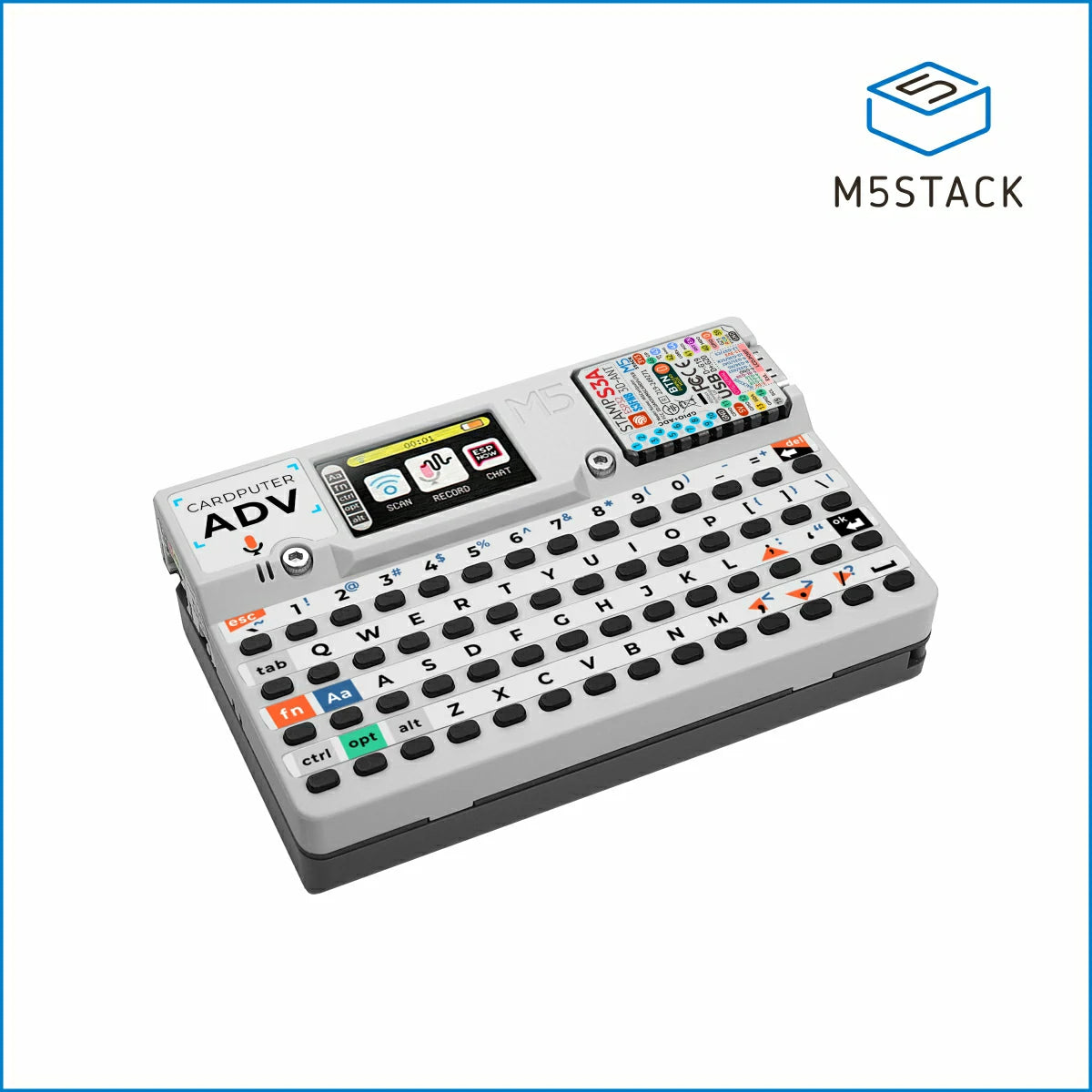
Ambient sound generator for the Cardputer ADV with 15 synthesised layers such as rain, waves, fire and a singing bowl, 13 preset scenes, crossfades, a session timer and a breathing guide.
by Tokagetchi
- Distribution
- Prebuilt image you flash yourself
- Requires stock
- Cardputer ADV; the original Cardputer is untested
- License notes
- The LICENSE file is the Creative Commons Attribution-NonCommercial-ShareAlike 4.0 license, so commercial use is not allowed. GitHub shows the license as "Other", and the README names the same license.
- Source
- github.com https://github.com/oldtokage-collab/Enso
- generative
- ambient
- synth-engine
- open-source
Description
Builds soundscapes from noise, filters, resonators and oscillators in real time, with no samples. The 15 layers are grouped as water, weather, life, fire, meditative, mechanical and noise, and each has its own volume and three parameters. There are 13 preset scenes and custom scenes saved to the microSD card, and switching scenes crossfades between them. A Drift scene keeps changing its own mix, a light reverb covers the output, and a timed session sounds a bell at the start, the end and optionally at intervals. The screen shows a breathing ring that can follow three breathing patterns, the RGB LED can follow a layer, and shaking the device runs a chosen action. Output is mono. Only the Cardputer ADV was tested. The README says the code was written by Claude from the author's ideas and that the project was meant to carry forward an idea from a user of C.P.S.
Install notes
Flash it from the M5Burner web page by searching for Ensō, install it from Launcher's OTA list, or copy the release's .bin to the root of the SD card and flash it from Launcher. To build from source, use PlatformIO with the m5stack-cardputer-adv environment, which also produces a merged image for M5Burner and similar tools. A FAT32-formatted microSD card is needed to save settings and custom scenes; the app creates an /ENSO folder on it. Without a card it runs with its defaults and saves nothing.
Version history
| Version | Date | Notes |
|---|---|---|
| v1.0 | 2026-09-20 | First public release. |