open-smc-pad
Open firmware for the SMC-PAD: a USB DFU bootloader installed over the factory firmware, an Arduino core with libraries for the pads, knobs, LEDs, USB-MIDI and BLE-MIDI, and a sketch that reproduces the stock behaviour.
Brick risk. Flashing this carries a known, documented risk of damaging the device.
- Distribution
- Build from source yourself
- Requires stock
- Factory firmware, installed from over USB-MIDI
- License notes
- Parts derived from JieLi's AC63 Bluetooth SDK are Apache-2.0 and TinyUSB is MIT; fw/NOTICE lists which directories are whose. The SDK's precompiled libraries and the JieLi compiler are not in the repository.
- Source
- github.com https://github.com/fedepaj/open-smc-pad
- platform
- sdk
- usb-midi
- bluetooth
- midi
- bootloader
- research
- controller-mode
Description
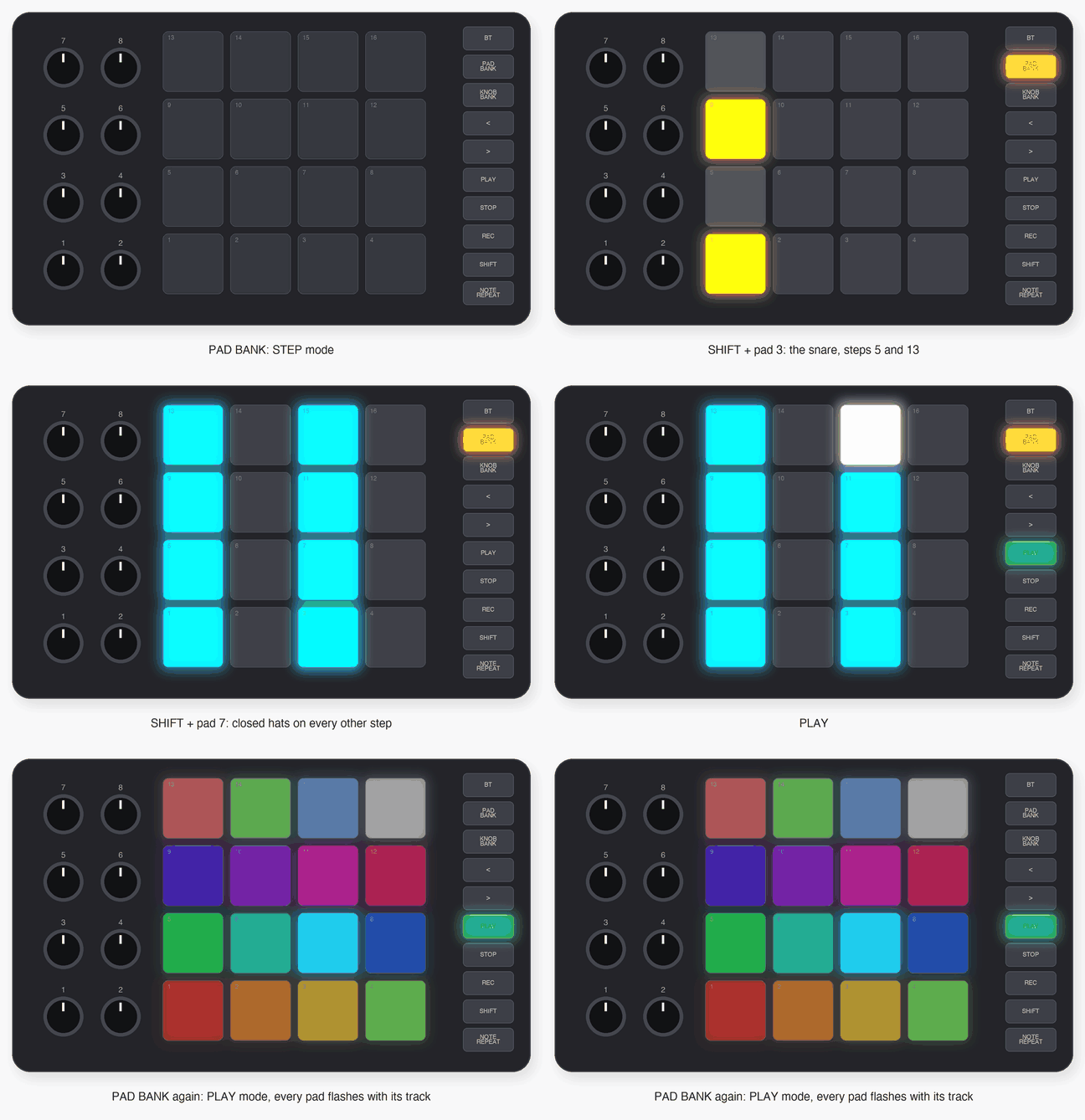
The installer script talks to the factory firmware through the SysEx channel M-VAVE's app uses, writes a small installer and the bootloader into free flash and, after one power cycle, puts the bootloader in place of the factory firmware. Later uploads go over USB by DFU, from the Arduino IDE or with dfu-util, and the bootloader enters DFU on its own when a firmware crashes four times at start. The Arduino core exposes the pads with velocity and pressure, the encoders, buttons and every LED, and the pad appears as USB-MIDI, USB serial and BLE-MIDI. A sketch called SMCPadStock does what the factory firmware did, and GrooveBox is a step sequencer built on the core. The 3.5 mm MIDI output, Windows hosts and a browser editor are not done. The repository also holds hardware notes, the stock SysEx protocol, the flash layout and a Raspberry Pi Pico recovery sketch for the chip's ROM download mode.
Install notes
Clone with --recursive and run host/install_from_stock.py with uv from macOS or Linux; it reads every byte back before switching over and leaves the stock firmware booting if a check fails. Afterwards add the Arduino core from the Boards Manager URL in the README, or upload a built firmware with dfu-util while holding SHIFT and PLAY at power-on. Going back to the factory image needs the chip's ROM download mode and a Raspberry Pi Pico wired to the USB data lines, so plan for that before flashing.
Version history
| Version | Date | Notes |
|---|---|---|
| v0.1.1 | 2026-10-26 | Release files add Windows builds of the host tools and the JieLi toolchain; the page has no other notes. |
| v0.1.0 | 2026-10-21 | First release, with the Arduino core package and host tools. |