Tonebook
Portuguese-language web app that sets a NanoCore preset to the tone of a well-known song over USB Web MIDI. It adjusts every parameter live, names and saves the preset on the pedal, adds AI-generated tones from a pasted JSON, and records a video of the page.
by patogordo
- Distribution
- Browser installer (WebMIDI / WebUSB)
- Requires stock
- NanoCore firmware 1.04 or newer
- Source
- github.com https://github.com/patogordo/Tonebook
- Homepage
- patogordo.github.io https://patogordo.github.io/Tonebook/
- editor
- web-midi
- sysex
- usb-midi
- presets
- research
- web
Description
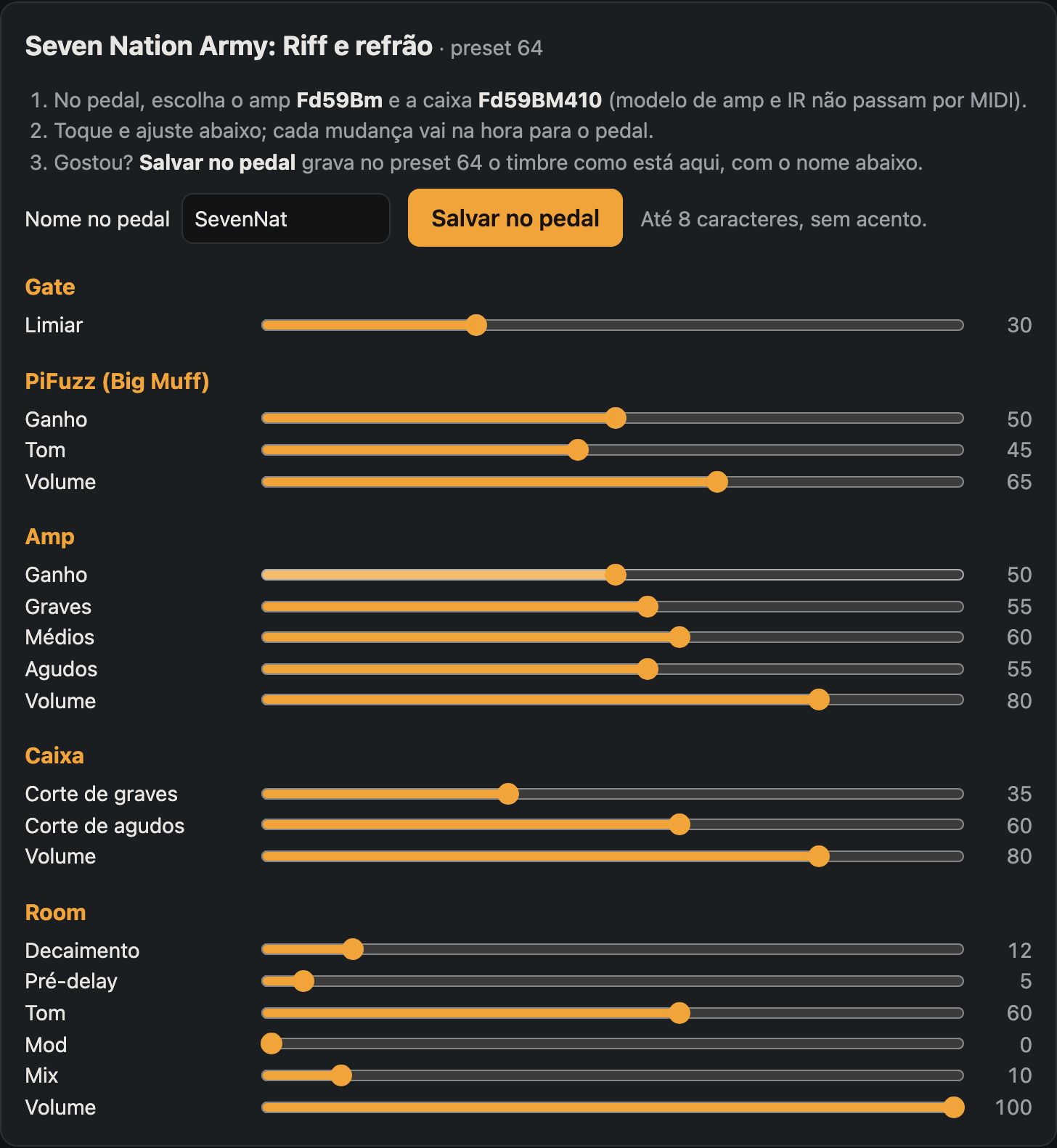
Each bundled song tone is a set of effect parameters, with a note naming the amp and cab to pick on the pedal, since amp and IR models cannot be selected over documented MIDI. The page sends the parameters as you move the sliders. Naming and saving a preset use the same SysEx commands as Livtra's app, need a confirmation click and are checked against the pedal's reply; the project says it sends nothing that the official MIDI guide and that app do not. A prompt on the page lets any AI chat assistant draft a new song tone as JSON, which the page validates, applies and keeps in the browser. A recorder captures the tab with an optional camera and the pedal's or microphone audio. The interface and most documents are in Portuguese, with an English summary in the README. Nothing is flashed.
Install notes
Open the hosted page in Chrome, Edge or Brave on a computer or Android phone, connect the pedal by USB, press Connect, and allow MIDI access including SysEx, which is needed to name the preset. Safari and iPhone have no Web MIDI. Saving overwrites the target preset, which defaults to 64.
Version history
| Version | Date | Notes |
|---|---|---|
| main @ c1de868 | 2026-11-01 | No tagged releases; this is the latest commit. |