podx3-macos
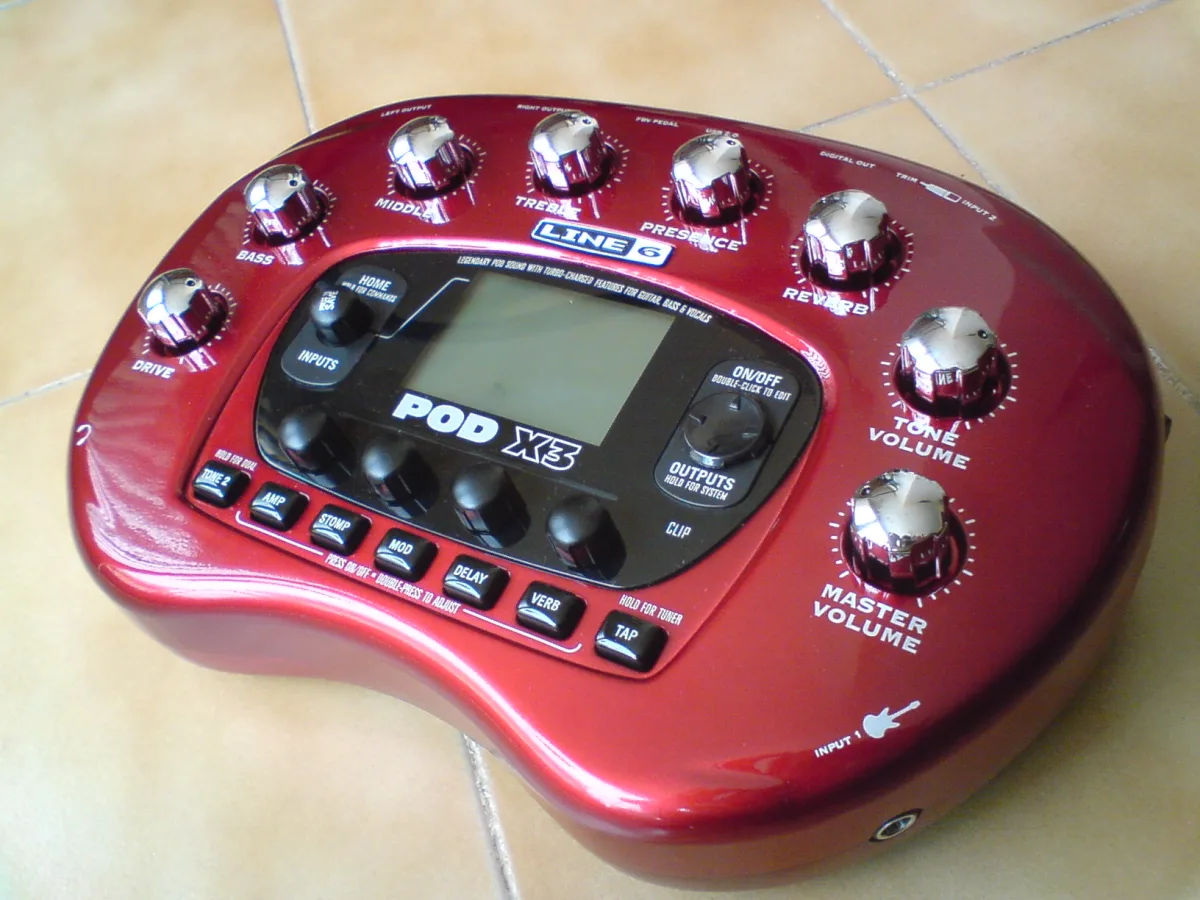
Tool for PODxt / POD X3 series (Line 6)
Userspace tools for running a POD X3 on Apple Silicon macOS without Line 6 drivers. They give 8-channel USB audio capture, a web and command-line controller for presets, models and knobs with backup and write, and a tuner. A CoreAudio device is experimental.
by pkalamarski

- Distribution
- Build from source yourself
- License notes
- The README says the project is licensed GPL-3.0-or-later and points to control/LICENSE, which is the GPL version 3 text. The repository root has no LICENSE file, so GitHub shows none. The model and knob tables in control/data come from the GPL-3.0 POD-Controller project.
- Source
- github.com https://github.com/pkalamarski/podx3-macos
- editor
- usb
- usb-audio
- presets
- desktop
- web
- research
Description
The POD X3 uses vendor-specific USB interfaces, so the project drives both from user space with libusb. A TypeScript controller speaks the control channel over bulk endpoints, decodes the 4096-byte preset blobs, lists the 64 stored presets, edits blocks and knobs, builds presets from JSON files and writes them back. The audio part streams the POD's eight input channels (main, tone 1, tone 2 and dry guitar) at 48 kHz, plays them on the Mac through a monitor tool, records WAV files and feeds a browser tuner. Mac to POD audio sends but the author has not checked it by ear, and the CoreAudio HAL plug-in that would show the POD to DAWs is described as built but not yet tested. The controller follows protocol notes from andree182's podx3 and the POD-Controller project, whose model and knob tables are in control/data. The author tested a POD X3 on macOS 15 with Apple Silicon and says the X3 Live uses the same protocol but is untested. Writing presets requires a full backup, refuses the slot in the edit buffer and reads each slot back for comparison. The README also describes using Claude Code to run the CLI.
Install notes
Needs macOS 15 on Apple Silicon, Xcode command line tools, Homebrew libusb and Node.js 20 or newer. Run ./podx3 to build and open the web UI at 127.0.0.1:8787. The optional CoreAudio plug-in installs with sudo and restarts coreaudiod, and it is untested. If the POD stops answering, power cycle it.
Version history
| Version | Date | Notes |
|---|---|---|
| main @ b5d47e7 | 2026-11-23 | No tagged releases; this is the latest commit. |
| main @ b8a5bd1 | 2026-10-20 | No tagged releases; this is the latest commit. |