line6-reverse-engineering
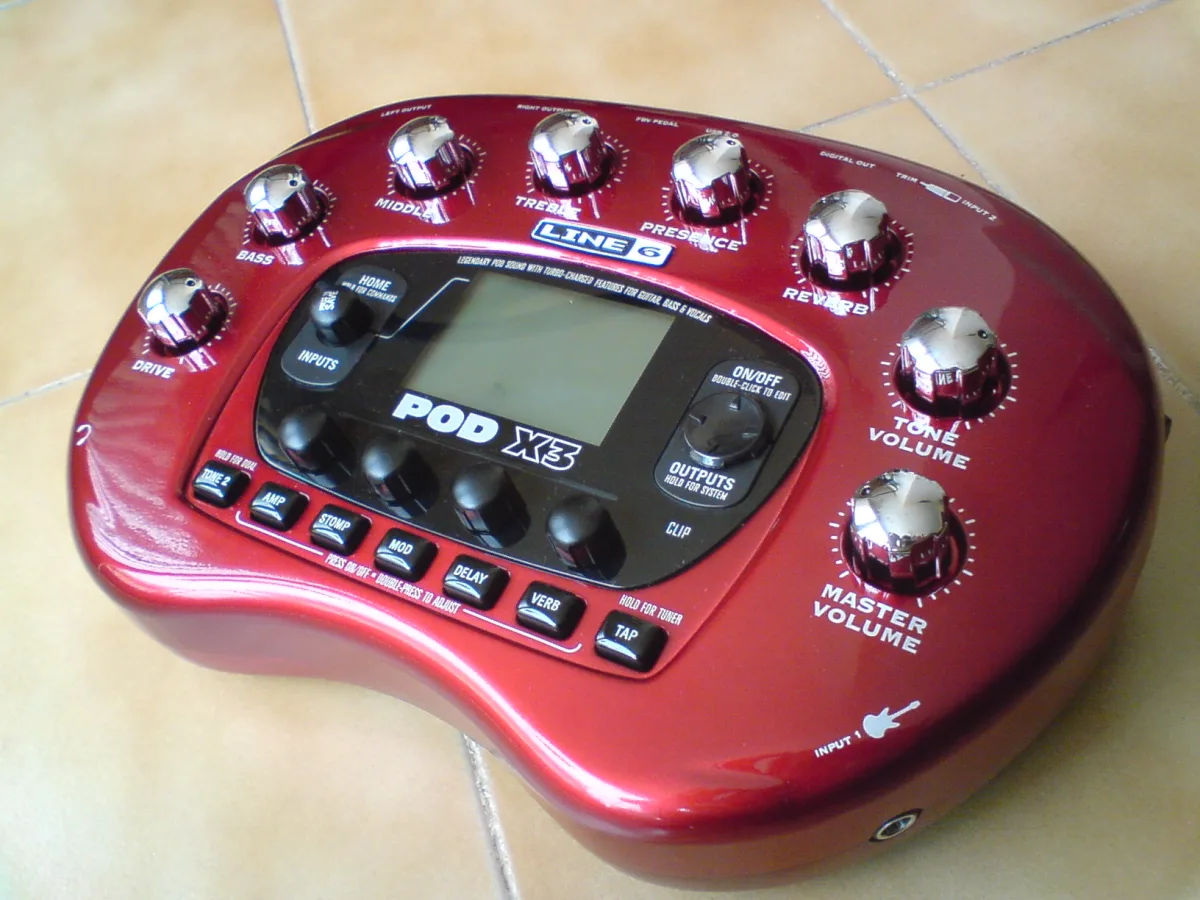
Tool for PODxt / POD X3 series (Line 6)
Python tools and notes on the POD XT's .xtf firmware container (IFF with an L6FF form type), its USB IDs and the Line 6 Monkey app, plus documented but unreliable USB reset scripts. The working factory reset is a button combination.
by cmadds

- Distribution
- Build from source yourself
- Requires stock
- POD XT firmware 3.01 (analysis only)
- License notes
- The LICENSE file is the MIT text followed by a note that it covers only the repository's own code and documentation, not any Line 6 software, firmware or drivers. GitHub shows the file as unrecognised because of that note.
- Source
- github.com https://github.com/cmadds/line6-reverse-engineering
- research
- python
- usb
- converter
- protocol
Description
The author wanted to reset a POD XT on a current Mac, where Line 6's 32-bit tools no longer run. The repository documents what they found: the POD XT is USB 0e41:5044, the .xtf file for firmware 3.01 is an IFF container whose header and twenty device-info chunks describe memory regions, and the Line 6 Monkey app is 32-bit Intel. The parser, line6_analysis_tools.py, reads a firmware file you supply and lists its chunks. It does not write anything. The reset scripts send a SysEx-style command over raw USB, which the author says never reliably reset the unit, so the README gives the button method instead: hold SAVE and all four UP buttons while powering on. That method was confirmed on a POD XT, and is reported but untested for the POD XT Live and POD XT Pro. The factory reset erases all saved presets. The repository does not include Line 6 software or firmware, and a shell script helps unpack Line 6's old installers that you download yourself.
Install notes
Needs Python 3 with pyusb and libusb. Download Line 6 firmware and software from Line 6 yourself and pass the file path to the analysis script. The USB reset scripts under tools/attempts are reference code, and the author says they do not reliably work. Treat any reset as erasing all presets.
Version history
| Version | Date | Notes |
|---|---|---|
| main @ 6cf78bb | 2026-07-28 | No tagged releases; this is the latest commit. |