HelixBackupFiles
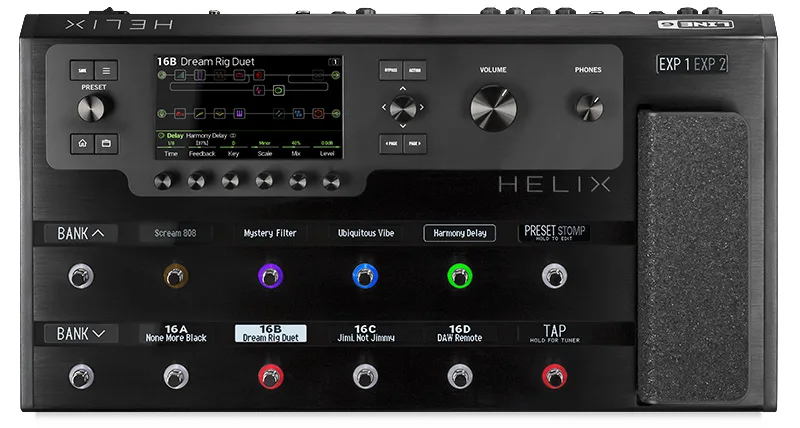
Tool for Helix Floor / LT / Rack (Line 6)
C# parser and console tool that unpacks a Line 6 Helix .hxb backup file into its presets and impulse responses, with notes on the backup's container layout.
- Distribution
- Prebuilt image you flash yourself
- Requires stock
- Helix firmware 2.81 (the version the author used)
- License notes
- The repository has no LICENSE file and no license statement.
- Source
- github.com https://github.com/AntonyCorbett/HelixBackupFiles
- parser
- presets
- research
- windows
- dotnet
Description
An .hxb backup starts with an uncompressed header, followed by zlib-compressed sections holding the global settings, each impulse response and each of the eight setlists, and ends with an uncompressed footer of offsets and lengths. The README documents that layout, which the author worked out on firmware 2.81, and the console program reads the file and writes every preset and impulse response into an output folder. The author warns that writing changes back into an .hxb file is risky. Nothing is sent to a device, and the README does not say which Helix models it was tried on.
Install notes
Download HelixBackupFileConsole.exe, a Windows build, or the portable zip, which needs .NET 7, from the releases page. Copy a Helix backup file beside it and run it with the file name as the argument; it writes the presets and impulse responses to an output subfolder.
Version history
| Version | Date | Notes |
|---|---|---|
| 2.0.0.1 | 2023-08-01 | Ported to .NET 7. |
| 1.0.0.1 | 2020-02-08 | |
| 1.0.0.0 | 2019-10-17 |