Take Controller
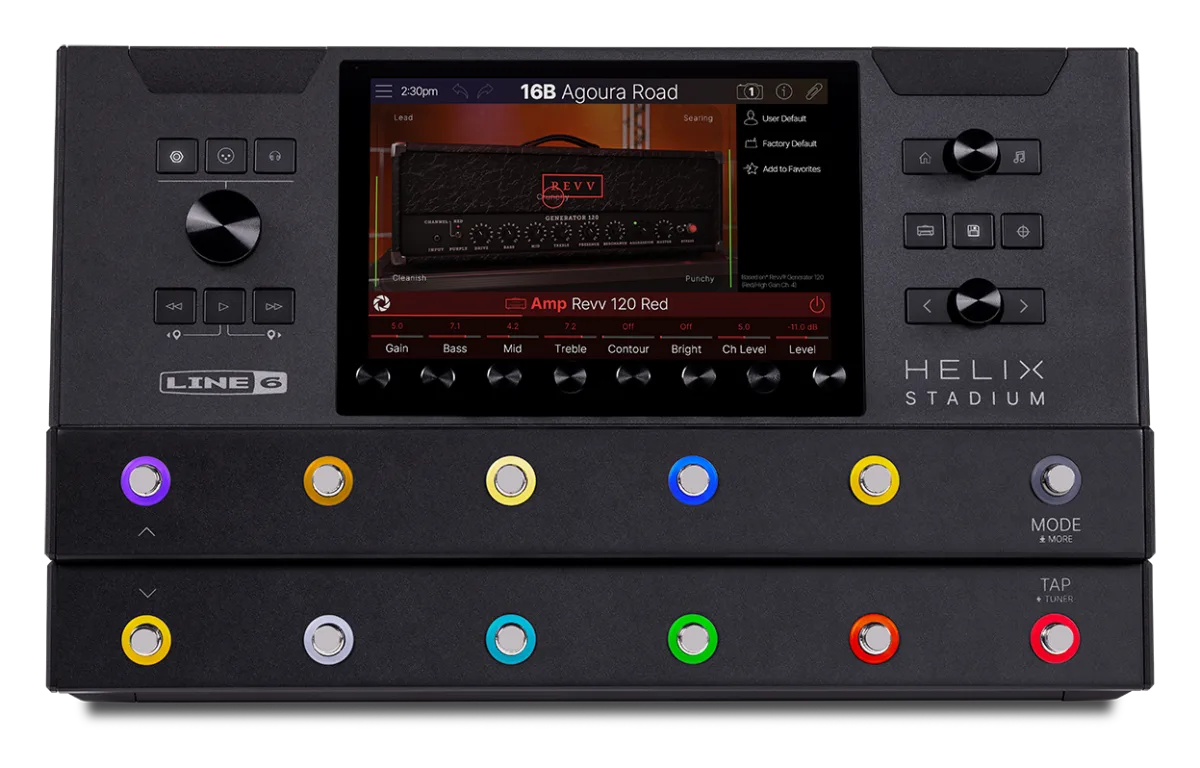
Tool for Helix Stadium / Stadium XL (Line 6)
SwiftUI app for iPad and Mac that sends MIDI control change messages to a Helix Stadium so another person can queue songs and drive Showcase mode.
by maxwoodhams
- Distribution
- Build from source yourself
- License notes
- The LICENSE file is the Unlicense public domain dedication.
- Source
- github.com https://github.com/maxwoodhams/Take-Controller---Helix-Stadium-MIDI-Messager
- controller
- midi
- ios
- performance
- setlists
Description
Take Controller sends control changes on CC 47 to 51 for previous and next marker, cycle clear, cycle continue, return to zero, previous and next song and play and pause, and CC 63 and CC 10 when a playlist or song is chosen. It keeps names for playlists and songs, lets you choose the MIDI destination, and works through a USB-C to MIDI adapter on an iPad. The author says an AI tool wrote it, and the README does not state which firmware or unit it was tried on.
Install notes
Build HelixMIDI.xcodeproj in Xcode with your own signing settings (Config/Signing.xcconfig) and run it on an iPad or Mac with a MIDI interface connected to the Stadium. No release is published.
Version history
| Version | Date | Notes |
|---|---|---|
| main @ 7cc6271 | 2026-04-28 | No tagged releases; this is the latest commit. |