DL4 MkII Control
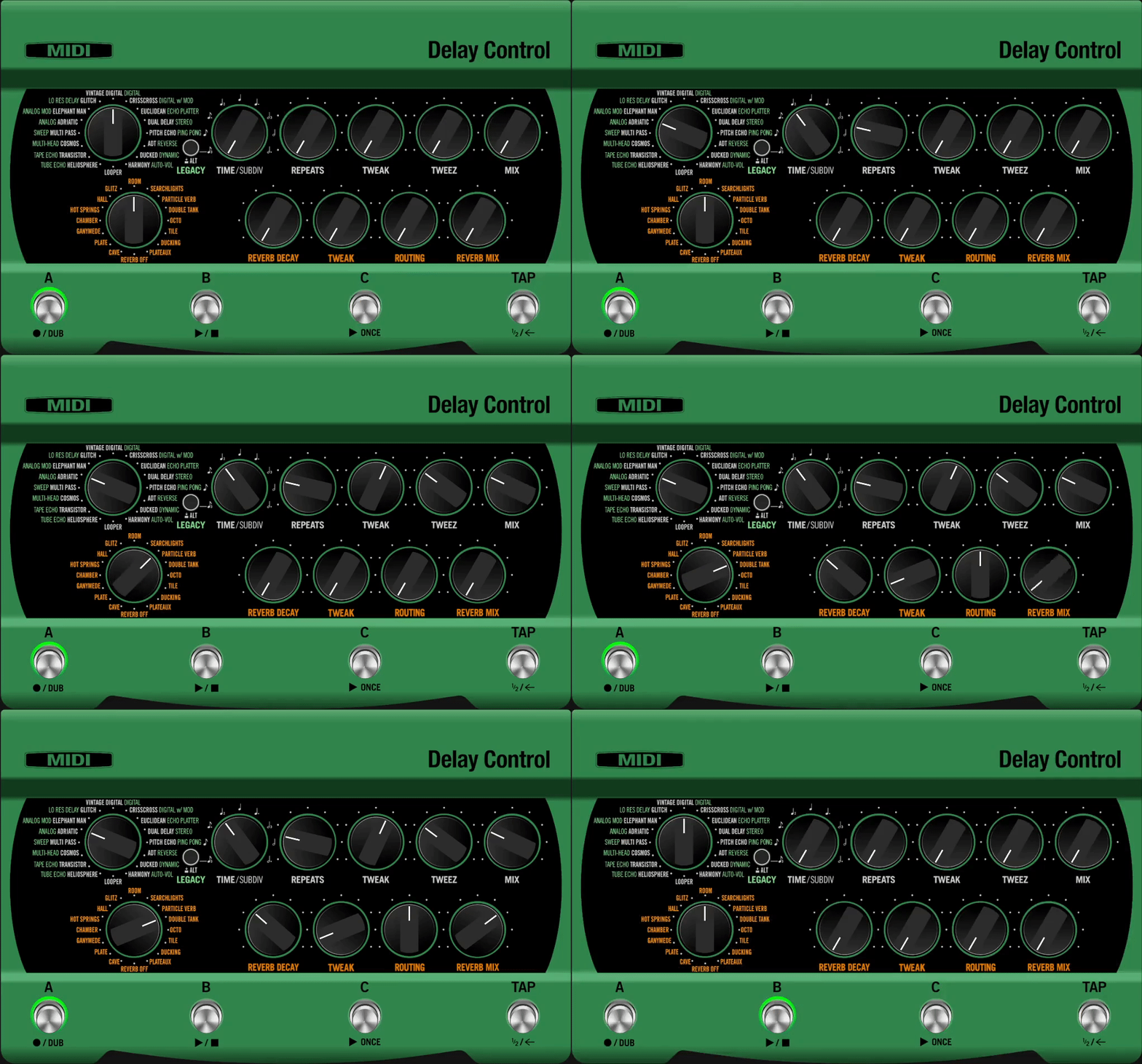
Windows desktop app that sends the DL4 MkII's documented MIDI messages over USB, with separate delay and reverb selectors, preset recall, bypass, tap and channel and preset step buttons, so models can be changed without the pedal's menus.
by DavidMolTor
- Distribution
- Prebuilt image you flash yourself
- Requires stock
- DL4 MkII firmware 1.10 for release 1.7
- License notes
- The License.md file is the GPL version 3 text with no "or later" statement.
- Source
- github.com https://github.com/DavidMolTor/DL4II_Control
Quality
Established
Mature and widely used.
- MaturityStrong
3.8 years · 10 releases · 56 commits
- PopularityModerate
★ 19 · 5 forks · 5 watching
- VitalityModerate
Finished: quiet but established · last activity 2024-10-31
- Issue healthModerate
0 closed / 0 open · 0 of 1 PRs merged
- InfluenceLow
0 catalog entries build on this
- CommunityLow
1 contributor · bus factor 1 · Discussions
Data from GitHub, 2026-11-23. How ratings work.
- controller
- midi
- usb-midi
- fx
Description
The author built it because choosing delays on a pedalboard, and reverbs in particular, is awkward on the pedal itself. It follows the MIDI commands in the DL4 MkII manual and splits the delay and reverb pickers into two panels that update together. It has a MIDI channel setting, a preset number box, bypass by pressing the active footswitch as on the pedal, preset store in the app's configuration file, footswitches for the three lowest presets, and error messages for MIDI that could not be sent. Version 1.7 was updated for DL4 MkII firmware 1.10, which changed the bypass command. The tap tempo light does not show the current tempo, and looper controls are still listed as pending. It is a C# WPF application.
Install notes
Download DL4MkII_Control.zip from the releases page. Connect the pedal by USB-C and set the app's MIDI channel to match the pedal's, because the stored default is channel 2.
Version history
| Version | Date | Notes |
|---|---|---|
| v1.7 | 2024-10-31 | Updated for device firmware 1.10 by changing the bypass command. |
| v1.6 | 2024-09-20 | Tap tempo shows the current subdivision using the Time and Subdivision knob. |
| v1.5 | 2024-03-08 | Adds channel and preset up and down controls. |
| v1.0 | 2023-02-09 | Reworks the MIDI command queue and fixes repeated disconnects. |