Kastle 2 framework (official source)
Tool for Kastle 2 and Citadel (Bastl Instruments)
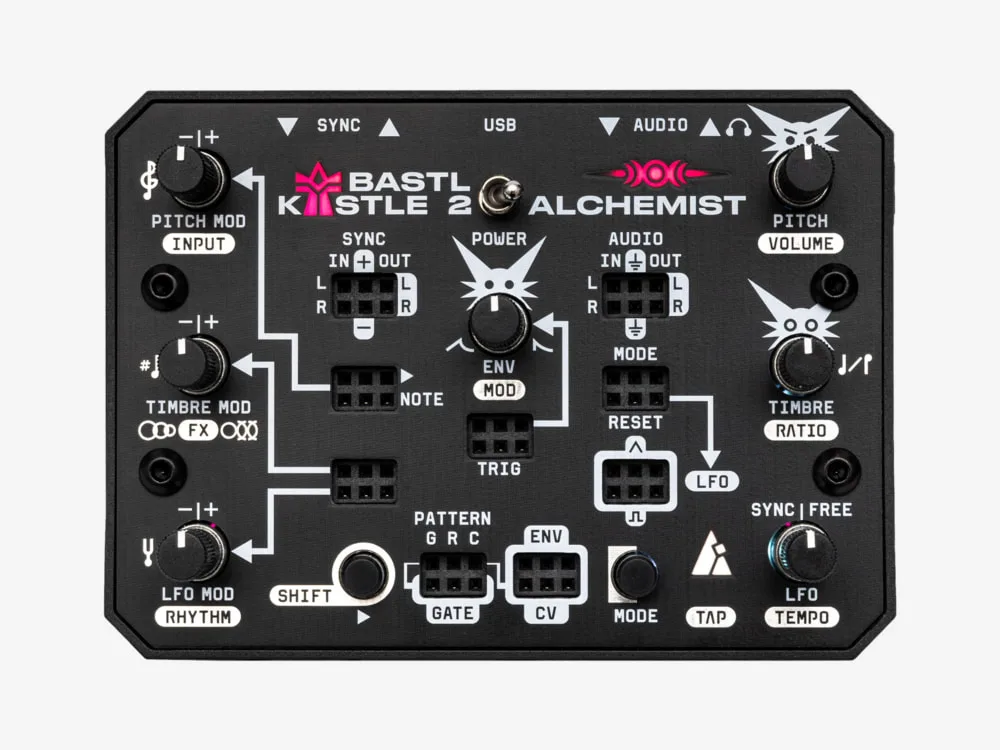
Bastl's open C++ framework, toolchain and documentation for writing Kastle 2 and Citadel apps, with the FX Wizard and Wave Bard firmwares, schematics and a list of app IDs.
- Distribution
- Build from source yourself
- License notes
- Code is MIT (LICENSE). Schematics, documentation, templates and printable 3D files are CC BY SA 4.0. Voice recordings are CC0. Panel graphics, case artwork and the Wave Bard factory samples are all rights reserved.
- Source
- github.com https://github.com/bastl-instruments/kastle2
- Homepage
- github.com https://github.com/bastl-instruments/kastle2
- Community
Quality
Foundational
Other projects build on it, or it is the maker's own open firmware or SDK.
Counts as first-party: an official project or one by Bastl Instruments.
- MaturityLow
0.8 years · 0 releases · 50 commits
- PopularityStrong
★ 115 · 23 forks (11 active) · 3 watching
- VitalityStrong
50 commits last year · last activity 2026-08-14
- Issue healthModerate
0 closed / 0 open · 8 of 13 PRs merged
- InfluenceLow
0 catalog entries build on this
- CommunityStrong
7 contributors · bus factor 1
Bastl Instruments Discord
Data from GitHub, 2026-11-23. How ratings work.
- official
- open-source
- sdk
- library
- toolchain
- rp2040
Description
The kastle2 repository is the development base for the Kastle 2 family. It holds the C++ code for the RP2040 hardware (audio, knobs, pins, MIDI, USB, calibration and test mode), a Nix shell and manual install guides, a coding style guide, a glossary with examples, generated code documentation, MIDI mappings and a script that scaffolds a new app. It also has the schematics and case outlines, and an app list that reserves ID ranges for official and community apps. Citadel runs the same builds as the Kastle 2. Bastl keeps the Alchemist app, the board layout and the full panel and case files closed.
Install notes
Clone the repository, set up the toolchain with the Nix shell or the manual guide, and run make in code/build to build all apps, or make <app-name> for one. Copy the .uf2 to the unit while it is in its SHIFT-at-power-on USB drive mode. The RP2040 ROM provides that mode, so a bad build is replaced the same way.
Version history
| Version | Date | Notes |
|---|---|---|
| main @ a4a7a04 | 2026-08-14 | No tagged releases; this is the latest commit. |