MPC Sample Toolkit (MPCTK)
Tool for MPC Sample (Akai Professional)
Python toolkit and macOS desktop app that reads and writes MPC Sample .xpj project files and generates playable projects from a WAV file, such as chromatic or scale-based pad banks.
by tarikcampos
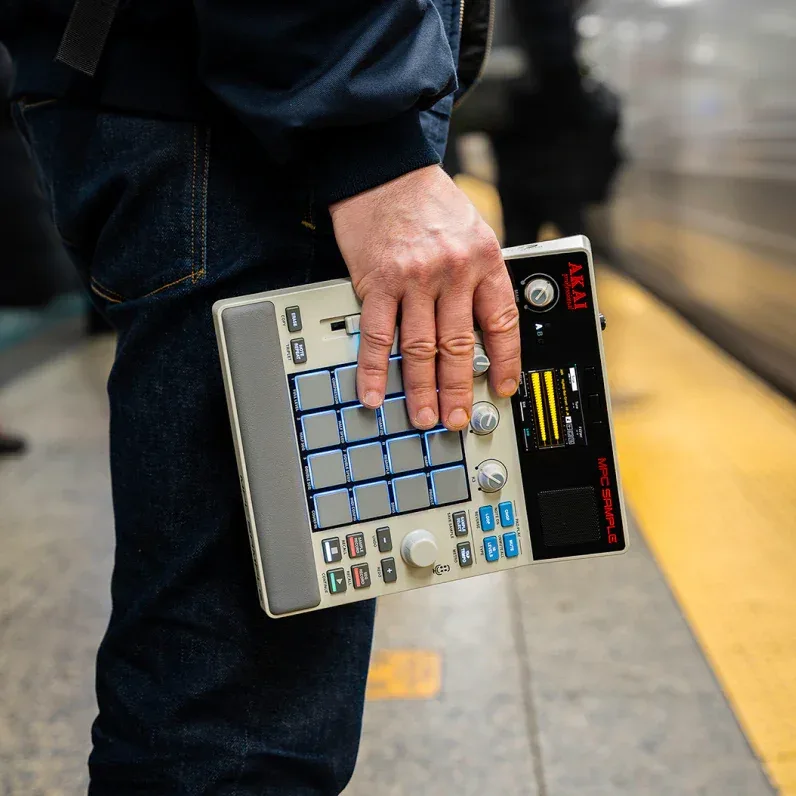
- Distribution
- Build from source yourself
- Requires stock
- MPC Sample project files (.xpj); the README does not name a firmware version
- Source
- github.com https://github.com/tarikcampos/mpc-sample-toolkit
- editor
- utility
- generator
- sampler
Description
MPCTK reads and writes the gzip-compressed .xpj project format, keeps fields it does not recognise intact, and can edit coarse tuning, clone layers and inject WAV files with their _[ProjectData] folders. Its generator lays one sample across a bank of pads as a chromatic keyboard or as major or natural minor scale pads, transposed from a source root to a target root. It runs as the mpctk command-line tool or through a PySide6 window, and the README describes a PyInstaller-built macOS app. The author reports that generated projects from both routes were loaded and played on an MPC Sample, and the test suite has 146 tests. Generation still needs an existing .xpj file as a structural template. The repository has no tagged releases, and the changelog lists the app work under Unreleased.
Install notes
Needs Python 3.11 or newer. Create a virtual environment and run pip install -e . from a clone, adding the gui extra for the window or the app extra to package the macOS app. Work on copies of your projects and keep a backup of the template .xpj.
Version history
| Version | Date | Notes |
|---|---|---|
| main @ 12f58e6 | 2026-09-17 | No tagged releases; this is the latest commit. |