Scratch
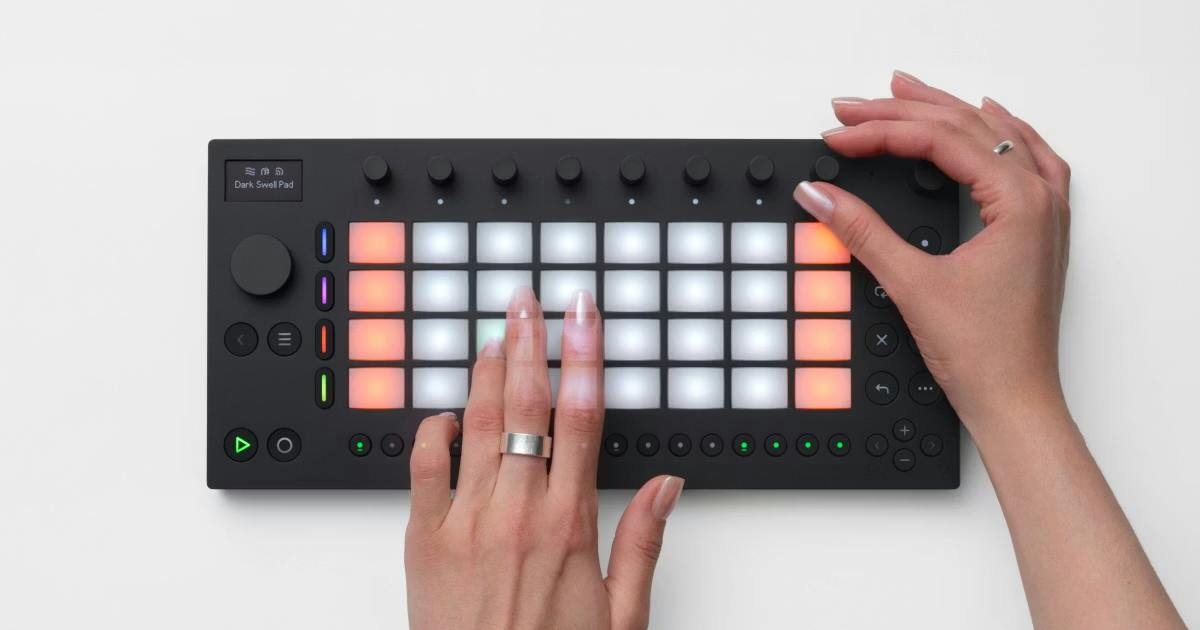
Schwung sound generator for scratching a sample with Serato control vinyl on Move's line input, or with an encoder or the jog wheel, with pads as crossfader cuts.
- Distribution
- Prebuilt image you flash yourself
- Requires stock
- Schwung 1.5.0 or later installed on the Move
- License notes
- The README says GPL-3.0-or-later; the COPYING file is the GPL-3.0 text. The timecode decoder is derived from xwax by Mark Hills and keeps its upstream notices, listed in THIRD_PARTY_LICENSES.md. The bundled ahh-fresh.wav sample is by the module's author under the same licence.
- Source
- github.com https://github.com/mestela/schwung-scratch
- Homepage
- github.com https://github.com/mestela/schwung-scratch#readme
- sampler
- performance
- synth-engine
Description
Scratch decodes Serato 2nd Edition side A control vinyl from Move's stereo line input and follows its position and speed, and it has Knob and Jog modes for use without a turntable. It plays a 44.1 kHz 16-bit stereo WAV, with a DVS monitor page showing lock, direction, speed and signal quality, a Scratch View with feel, smoothing and inertia, a loop control and a low-cut filter. Pads act as momentary crossfader cuts, and a hardware fader can be CC-learned on Schwung 1.6. The timecode decoder derives from xwax.
Install notes
Needs Schwung. Install Scratch from Schwung's module store or Schwung Manager, or build it with the repository's script. Control vinyl use needs a stereo line-level turntable output on Move's 3.5 mm input.
Version history
| Version | Date | Notes |
|---|---|---|
| v1.0.3 | 2026-10-01 | Fixes a startup crash when a set holds several Scratch instances and exposes the crossfader for Schwung 1.6 CC learning. |
| v1.0.0 | 2026-09-28 |