MIDI Player
Schwung MIDI effect that plays Standard MIDI Files into a chain slot's sound generator, following Move's MIDI clock, with track selection and looping.
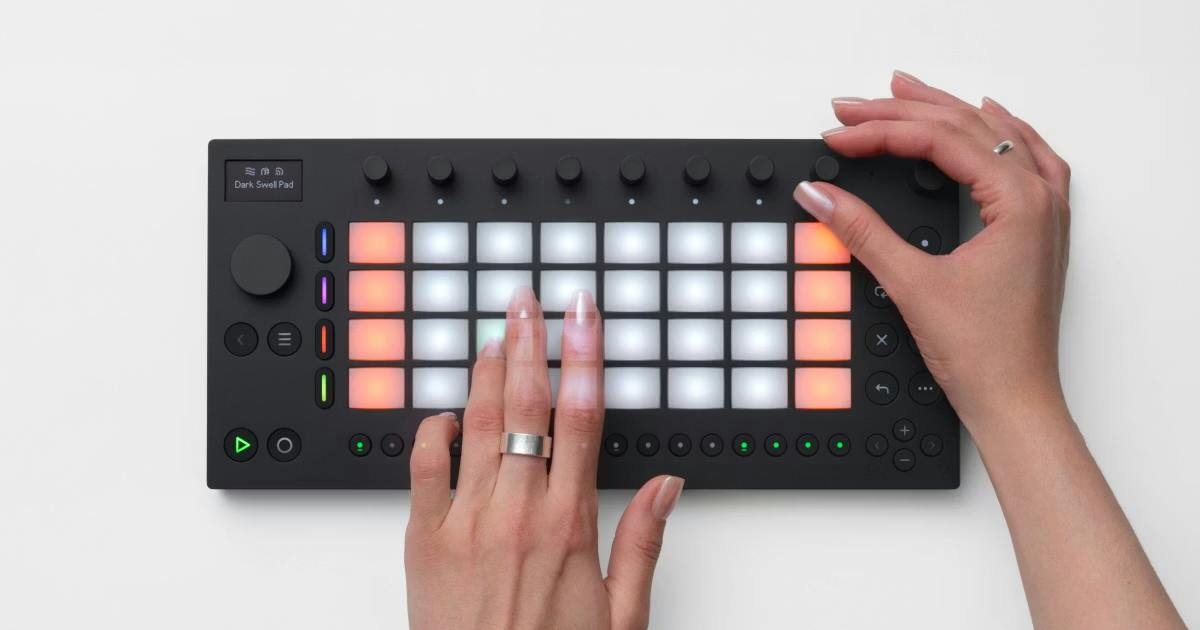
- Distribution
- Prebuilt image you flash yourself
- Requires stock
- Schwung installed on the Move, with SSH access enabled
- Source
- github.com https://github.com/charlesvestal/schwung-midi-player
- Homepage
- github.com https://github.com/charlesvestal/schwung-midi-player#readme
- midi
- utility
- midi-fx
Description
Files are copied into the module's MIDI folder over SSH or SMB and chosen from the slot menu. The track setting merges all tracks or picks one, loop can be on or off, and playback starts when Move's transport runs. All notes are rewritten to channel 1, and CCs such as pan, volume and effect sends are dropped so the file does not override the target synth's mix. Tempo events in the file are ignored, events snap to the 24 PPQN clock grid, and Song Position Pointer and SMPTE files are not handled.
Install notes
Needs Schwung. Install MIDI Player from Schwung's module store or Schwung Manager, then copy .mid files into the module's MIDI folder over SSH or SMB.
Version history
| Version | Date | Notes |
|---|---|---|
| v0.1.4 | 2026-08-31 | Adds on-device help. |
| v0.1.3 | 2026-06-30 | |
| v0.1.1 | 2026-05-17 | Drops pan, volume and send CCs so the file no longer overrides the synth's mix. |