Schwung Installer
Desktop app for macOS, Windows and Linux that finds a Move on the network, sets up SSH access and installs, upgrades and removes Schwung and its modules.
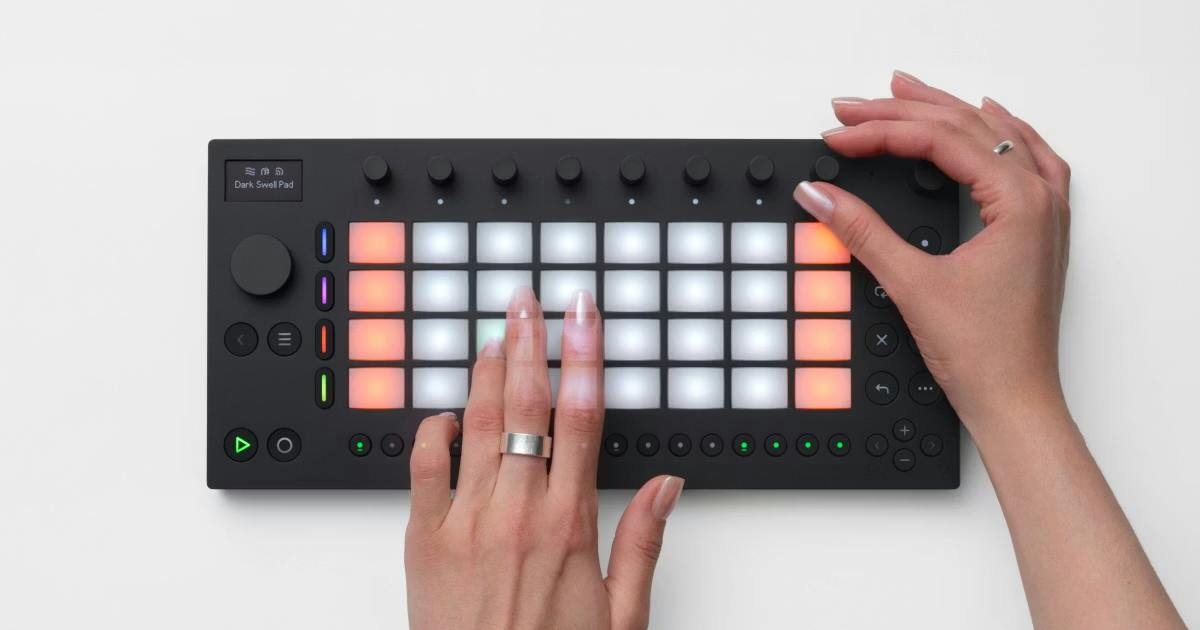
- Distribution
- Prebuilt image you flash yourself
- Source
- github.com https://github.com/charlesvestal/schwung-installer
- Homepage
- schwung.dev https://schwung.dev
Quality
Established
Mature and widely used.
- MaturityModerate
0.8 years · 41 releases · 109 commits
- PopularityModerate
★ 42 · 4 forks (3 active) · 5 watching
- VitalityStrong
109 commits last year · last activity 2026-11-14
- Issue healthStrong
11 closed / 0 open · 6 of 7 PRs merged
- InfluenceLow
0 catalog entries build on this
- CommunityModerate
4 contributors · bus factor 1
Data from GitHub, 2026-11-23. How ratings work.
- flasher
- platform
Description
The installer pairs with the Move by entering a six-digit code shown on its display, generates an SSH key and sends it to the unit, then transfers the Schwung core and the modules you choose. When Schwung is already installed it switches to a management view for installing modules, upgrading the core, toggling the screen reader and uninstalling. It needs Git for Windows on Windows to run the install scripts. The desktop app is recommended in the Schwung README over the command-line script.
Install notes
Download the build for your platform from the releases page, run it with the Move on the same Wi-Fi network and follow the pairing steps. It writes to the Move over SSH, so the Schwung warnings about backing up sets and knowing the DFU restore procedure apply.
Version history
| Version | Date | Notes |
|---|---|---|
| v0.4.12 | 2026-11-14 | On macOS, fixes the PIN step failing with EHOSTUNREACH by routing requests through the Local Network permission. Uses the USB-C link when the Move is connected that way, and connection errors name the address tried. |
| v0.4.11 | 2026-11-05 | Fixes the pairing PIN entry resetting while typing, caused by a duplicated countdown that kept requesting a new PIN from the Move. |
| v0.4.10 | 2026-06-23 | |
| v0.4.9 | 2026-06-15 | |
| v0.4.8 | 2026-06-12 |