Ducker
Schwung audio effect that ducks volume, opens an inverted volume or sweeps a filter when a chosen MIDI note arrives, giving sidechain-style pumping without an audio sidechain.
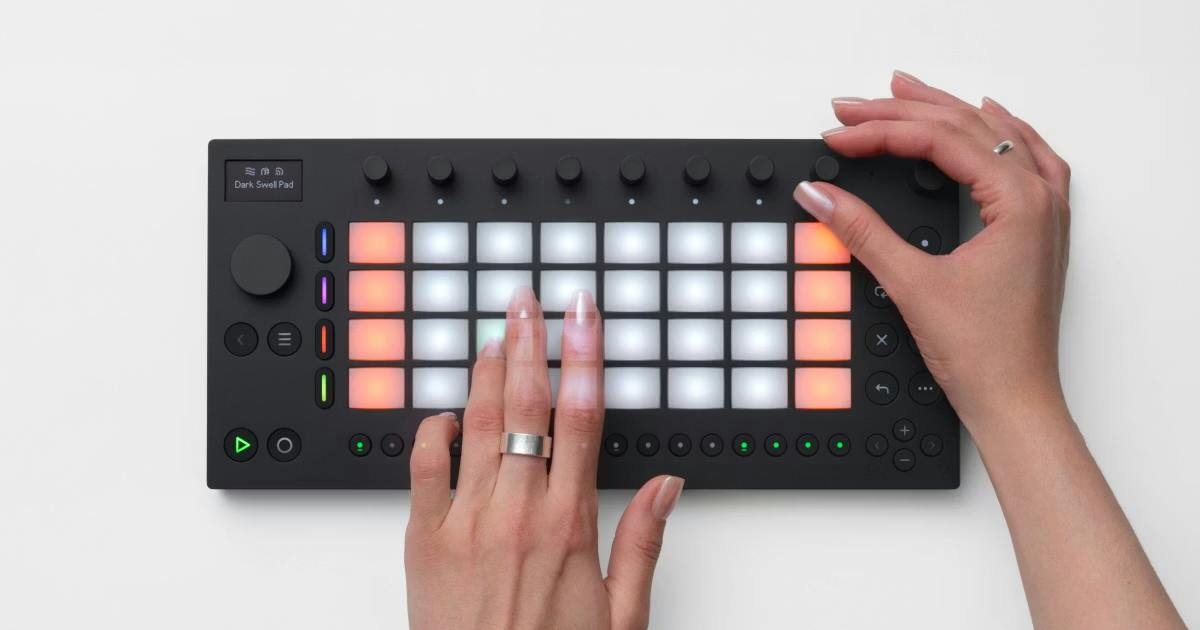
- Distribution
- Prebuilt image you flash yourself
- Requires stock
- Schwung installed on the Move
- Source
- github.com https://github.com/charlesvestal/schwung-ducker
- Homepage
- github.com https://github.com/charlesvestal/schwung-ducker#readme
- fx
- dynamics
- midi-trigger
Description
A MIDI note on a set channel, usually the kick, fires an envelope with attack, hold and release stages and a depth control. The Target knob picks what the envelope moves: plain volume, an inverted volume that opens on each trigger, or a low- or high-pass filter swept between two cutoffs. Trigger mode can fire on one note or on any note on the channel, and Gate mode holds the duck while the note is held. The README shows the main page and describes uses such as pumping chords or ducking reverb tails.
Install notes
Needs Schwung. Install Ducker from the Audio FX section of Schwung's module store or Schwung Manager, then set its channel and trigger note to the kick's MIDI output.
Version history
| Version | Date | Notes |
|---|---|---|
| v0.3.0 | 2026-11-05 | Adds a Target selector with Volume Inv and Filter modes, and a softer default retrigger. |
| v0.2.0 | 2026-11-05 | Adds a trigger setting that responds to any note on the channel. |
| v0.1.5 | 2026-08-31 | Help correction about velocity direction. |