AutoSample
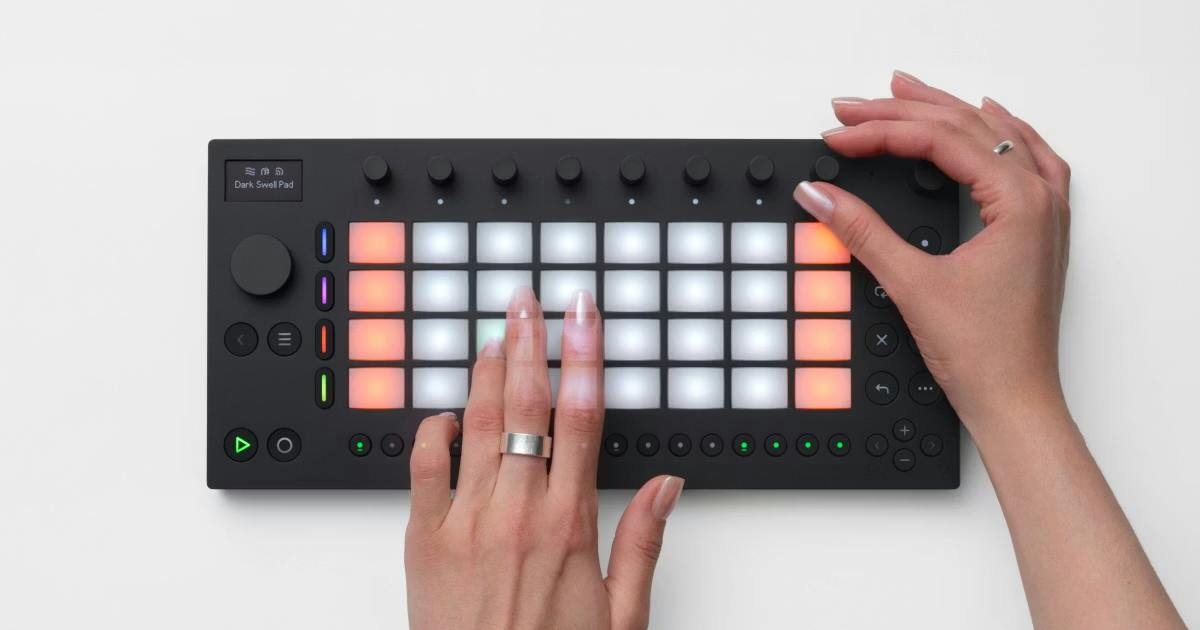
Schwung tool that plays an external synth over USB MIDI, records its line-in audio note by note and velocity layer by velocity layer, and writes a playable SFZ instrument.
- Distribution
- Prebuilt image you flash yourself
- Requires stock
- Schwung installed on the Move, with SSH access enabled and the audio input set to line-in
- License notes
- The README lists KissFFT (BSD-3-Clause) as a third-party library used for loop detection.
- Source
- github.com https://github.com/charlesvestal/schwung-autosample
- Homepage
- github.com https://github.com/charlesvestal/schwung-autosample#readme
- sampling
- sfz
- tool
Description
AutoSample sets the note range, key zones, velocity layers and hold time, then sends each note to the connected instrument and captures the audio. It finds loop points by spectral analysis with zero-crossing refinement, trims silent release tails, adds velocity crossfades to the generated SFZ file and takes the instrument name from an on-screen keyboard. The result appears in SFZ Player. The README says it was developed with AI assistance and the module's internal files still use the name samplerobot.
Install notes
Needs Schwung and an external synth connected by USB MIDI out and line-in audio. Install AutoSample from the Tools section of Schwung's module store or Schwung Manager, or build it and copy it over SSH.
Version history
| Version | Date | Notes |
|---|---|---|
| v0.1.1 | 2026-08-31 | Corrects two help lines about the Back and Rec buttons. |
| v0.1.0 | 2026-03-11 |