Move Bitwig
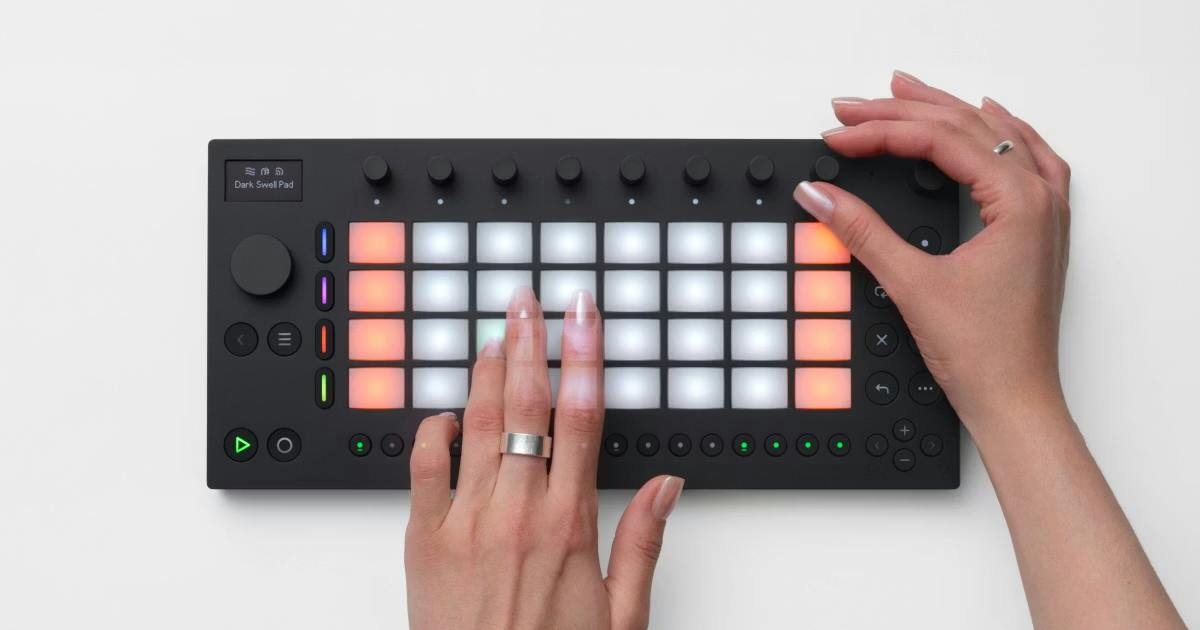
Schwung takeover module that makes the Move a Bitwig Studio controller for clip launching, pad playing, a 16-step sequencer and mixing, with controller scripts for Bitwig.
by pi43r
- Distribution
- Prebuilt image you flash yourself
- Requires stock
- Schwung 1.0.0 or newer on the Move, Bitwig Studio 6 on the computer
- License notes
- The repository has no LICENSE file and the README makes no licence statement.
- Source
- github.com https://github.com/pi43r/move-bitwig
- Homepage
- github.com https://github.com/pi43r/move-bitwig#readme
- controller-mode
- midi
- performance
- daw
Description
Move Bitwig has three views: Session for launching clips and selecting tracks, Note for playing melodic or drum pads and editing a 16-step sequence that follows the selected track, and Mixer for tracks, FX returns and the Main channel. Drum mode adds sixteen expression modifiers for velocity, chance, repeats and pan. It needs two parts from one release: a module installed on the Move through Schwung Manager and a set of controller scripts copied into Bitwig's Controller Scripts folder. It targets Bitwig Studio 6 and talks to Bitwig over the Move's USB-C connection.
Install notes
Needs Schwung and Bitwig Studio 6. Download both assets from the same release: install move-bitwig-module.tar.gz with Schwung Manager and extract move-bitwig-controller-scripts.zip into a Move folder inside Bitwig's Controller Scripts folder. In Bitwig add the Ableton Move controller and choose the Standalone Port for input and output.
Version history
| Version | Date | Notes |
|---|---|---|
| v1.0.0 | 2026-10-01 | First 1.0 release with session launching, pads, sequencer and mixer access. |
| v0.6.0 | 2026-07-14 |