ChordDex
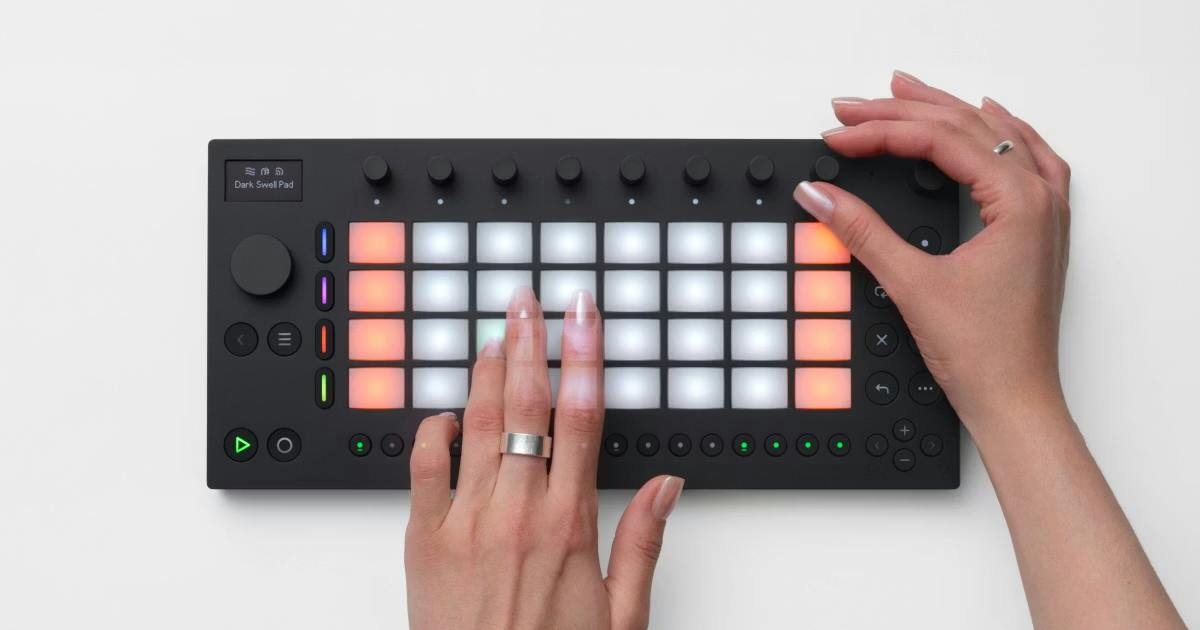
Schwung tool module that names the chord you play on the Move pads, on incoming USB MIDI or in Move's own sequencer clips, with chord names on the screen and scale-coloured pads.
by dony01001
- Distribution
- Prebuilt image you flash yourself
- Requires stock
- Schwung installed on the Move
- License notes
- The LICENSE file names its copyright holder as "ChordDex contributors".
- Source
- github.com https://github.com/dony01001/ChordDex
- Homepage
- github.com https://github.com/dony01001/ChordDex#readme
Quality
Rising
Under a year old, with real traction.
- MaturityModerate
0.6 years · 18 releases · 51 commits
- PopularityLow
★ 2 · 2 forks
- VitalityStrong
51 commits last year · last activity 2026-07-03
- Issue healthModerate
0 closed / 0 open · 4 of 4 PRs merged
- InfluenceLow
0 catalog entries build on this
- CommunityModerate
4 contributors · bus factor 1
Data from GitHub, 2026-11-23. How ratings work.
- chords
- scales
- utility
- midi
Description
ChordDex recognizes triads, sixths, sevenths, extended chords, sus and add chords, power chords, slash chords and shell voicings, using the bass note to settle ambiguous voicings. Pads play through a Move track and light by root, in-scale and out-of-scale notes. An external mode names chords arriving on the Move's USB-A port, and a sequencer monitor mode names chords Move itself plays, using a small companion DSP that taps the notes on MIDI out cable 2.
Install notes
Needs Schwung. Install ChordDex with Schwung's GitHub installer script using the repository name, or clone the repository and run install.sh, which copies it over SSH. Open it from the tools menu. The sequencer monitor mode needs the track's MIDI out set to a channel.
Version history
| Version | Date | Notes |
|---|---|---|
| v1.6.0 | 2026-07-03 | Adds the sequencer monitor mode. |
| v1.5.3 | 2026-05-28 | |
| v1.5.2 | 2026-05-27 |