AI Manual
Schwung tool module that answers spoken questions about the Move and Schwung from their manuals, using Gemini or OpenAI with your own API key, with a short headline and a scrollable explanation.
- Distribution
- Prebuilt image you flash yourself
- Requires stock
- Schwung with the voice-tool host bindings, a network connection and a Gemini or OpenAI API key
- License notes
- The repository has no LICENSE file and the README gives no licence.
- Source
- github.com https://github.com/eightfour-dev/schwung-ai-manual
- Homepage
- github.com https://github.com/eightfour-dev/schwung-ai-manual#readme
- voice
- utility
- speech
Description
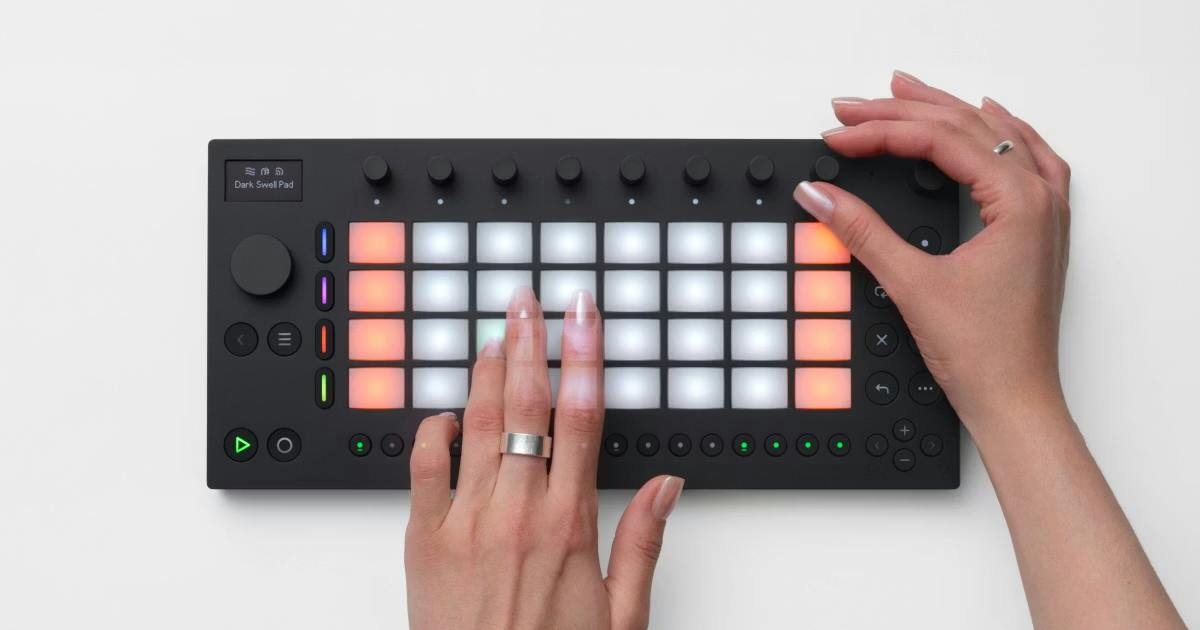
Hold a bottom-row pad, speak and release. The audio is sent to the chosen provider for transcription and an answer grounded in Ableton's Move manual and the Schwung user manual, both shipped with the Schwung host. The display shows a short headline with a scrollable detailed reply. The audio file is deleted when the reply arrives. It needs a network connection and a Gemini or OpenAI key, which is entered on the web configuration page and shared with AI Assistant.
Install notes
Needs Schwung. Install AI Manual from the Tools list of Schwung's module store, then choose a provider and enter a key on the Move's web configuration page at move.local:7700/config.
Version history
| Version | Date | Notes |
|---|---|---|
| v0.3.0 | 2026-04-25 | Moves settings to the host's per-module configuration system. |
| v0.2.0 | 2026-04-18 |