ToneHub Hardware Core (cubecontrol)
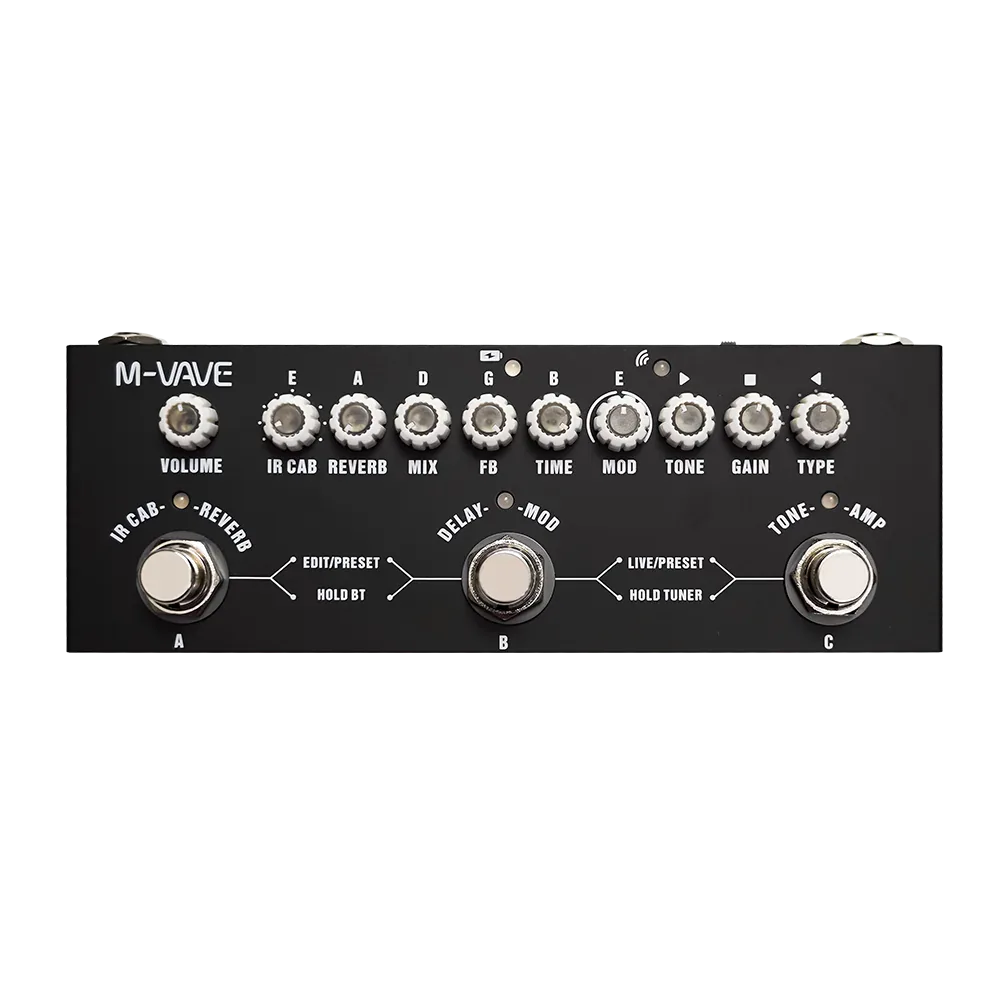
TypeScript libraries and a command-line tool for the Cube Baby over USB-MIDI. They decode its SysEx, read memory, back up and restore the A, B and C presets, and load impulse responses to RAM or ROM. Writes need explicit confirmation flags.
by MrGariZack
- Distribution
- Build from source yourself
- License notes
- The LICENSE file is the MIT text, copyright ToneHub / CubeControl contributors. The test fixtures include captures of traffic from the vendor's CubeSuite software and a captured IR payload.
- Source
- github.com https://github.com/MrGariZack/cubecontrol
- cli
- sysex
- usb-midi
- midi
- presets
- backup
- ir
- research
- sdk
Description
The repository is a pnpm workspace with a protocol package, a client with exclusive sessions and transports for Node, the browser's Web MIDI and a native host. The tonehub-midi command lists ports, monitors and captures traffic, decodes and compares capture files, identifies the pedal and reads memory. Anything that transmits needs a confirmation flag, for example --confirm-read-only for reads, --confirm-write for live writes and --confirm-save for a persisted preset field. Bank backup and restore, IR import and export as WAV, and live or ROM IR upload are included. Test fixtures are USB captures of the vendor software's startup, parameter changes, preset switches and an IR upload. The README says the repository holds no application UI; a desktop app lives in MrGariZack/cubecontrol-app. Writing a ROM IR slot overwrites a stored cabinet.
Install notes
Needs Node.js 22 and pnpm 10. Run pnpm install and pnpm build, then pnpm tonehub-midi list. Use a class-compliant USB-MIDI connection and close the vendor software first. Back up the bank before using restore-bank or the ROM commands.
Version history
| Version | Date | Notes |
|---|---|---|
| master @ 5dc17c7 | 2026-11-08 | Latest commit, after the v0.1.0 tag. Recent commits detect hot-plugged USB MIDI devices and survive an unplug, plus CI and lint fixes. |
| v0.1.0 | 2026-08-11 | Git tag; no GitHub release page. |