Juice-Box
Firmware for Blackbox (M-VAVE)
Replacement firmware that turns the Blackbox into a player for Neural Amp Modeler A2-Lite captures, with eight captures in six banks, A/B switching and a desktop installer for macOS and Windows.
by João Viana
- Distribution
- Prebuilt image you flash yourself
- Requires stock
- Official ANN BlackBox firmware, which the installer fetches for the update loader
- License notes
- LICENSE is the GPL version 3 text and the README says GPL-3.0 with no later-version wording. Inter Tight is SIL OFL. The repository commits the application image of v0.18.0 (installer/assets/release); the vendor update loader is not in it.
- Source
- github.com https://github.com/JPMViana/juicebox-nam-player
- Homepage
- github.com https://github.com/JPMViana/juicebox-nam-player
- amp-sim
- nam
- fork
- editor
- fx
- usb-midi
Description
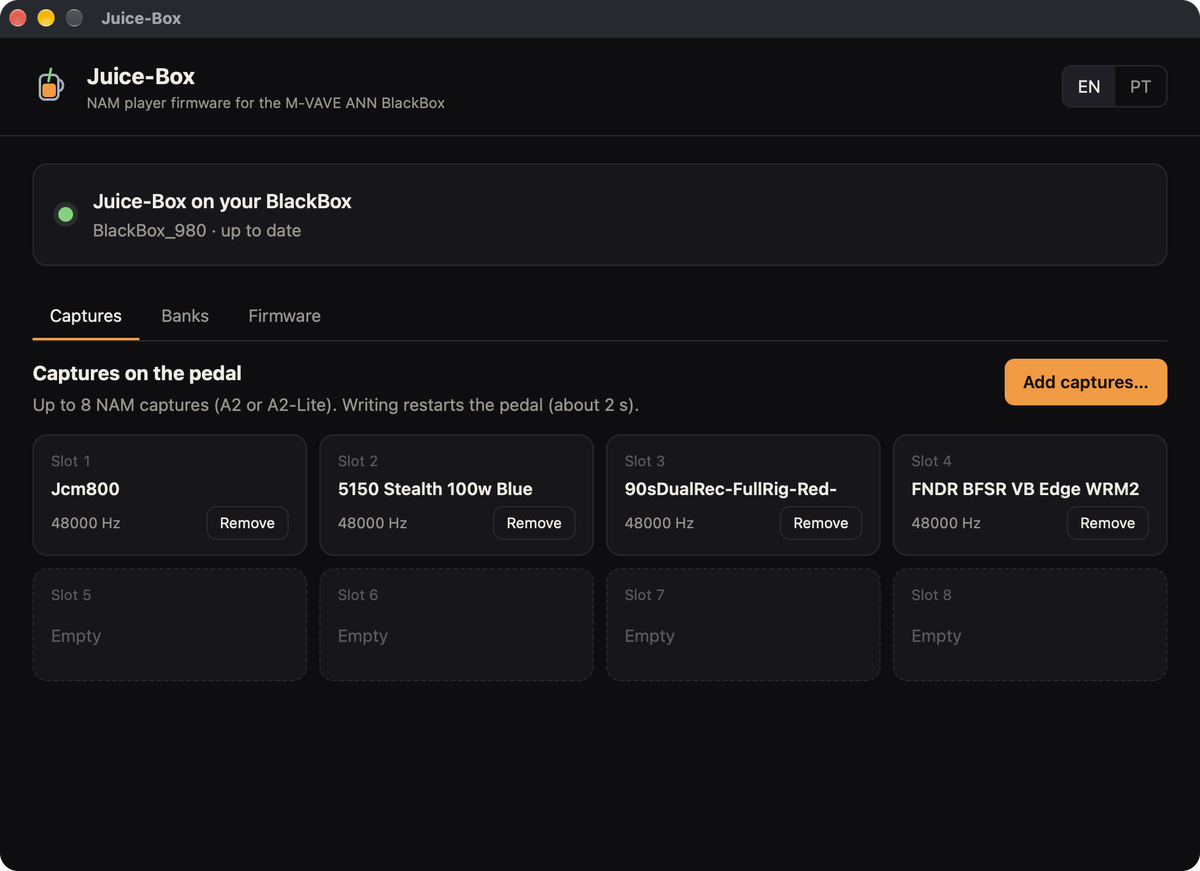
Runs one A2-Lite capture in real time, split across the chip's two cores, and matches the reference implementation closely according to the README. Captures load over USB from the desktop app. The FX to CAB buttons pick one of six banks, the right footswitch toggles A and B, and the left one bypasses on a tap and mutes on a hold; each bank has its own input and output level. The screen interface is in English or Portuguese. The app also installs the firmware and restores the official one. Full A2 captures do not fit the chip. The firmware builds on Felucca's hardware layer, USB and update code, and recent commits use the engine from Onyx, 28spawn's custom firmware for the Pocket AMP. The installer downloads M-VAVE's official V20 package, checks its hash and puts the official update loader into the image on your computer, so built packages are not distributed. The README calls v0.17 the first public test, with Windows testing just started.
Install notes
Download the installer for macOS or Windows from the release; both are unsigned, so the system warns on first open. Install over the pedal's USB cable, load .nam A2 captures, and use Firmware, then Restore official firmware, to go back. The user guide covers the steps, and docs/04-safety.md says the install writes the app area and leaves the bootloader, key and calibration data alone, and that a boot counter and watchdog hand control back to the update loader if the app keeps restarting. The user guide says an interrupted install leaves the pedal in update mode, waiting for a package. Flashing is at your own risk.
Version history
| Version | Date | Notes |
|---|---|---|
| 0.18.0 | 2026-11-05 | Git tag; no GitHub release page. |
| 0.17.0 | 2026-11-04 | First public test release, with the macOS and Windows installer apps. |